
Serving Purulia Since 2009+91 9734290001
Dalmia Computers original logoDalmia ComputersPurulia’s Premium Tech Destination
LoginWhatsApp
Digital safety · people, devices and data

Cyber Safety Knowledge Centre

Practical, source-backed guidance for phishing, passwords, MFA, updates, backups, device security and safer everyday technology use.

Beginner8 min foundationSource review: 14 Aug 2026
Dalmia Computers Purulia Brand Concierge — Official Warranty & Endpoint Protection
Purulia Concierge Desk · Assured Protection Promise

Official Warranty & Endpoint Protection

Verify brand-authorized service routes, Quick Heal endpoint security and clear post-purchase care terms.

Har Page = Smart Salesman · Honest Purulia Guidance

Interactive Need-Finder, Compatibility Check & Overspend Guard

Answer 3 quick skippable questions (zero login or phone gate) to see workload-matched tiers, 4-state compatibility checks, running-cost / EMI / 18% GST calculators, and live showroom demo availability.

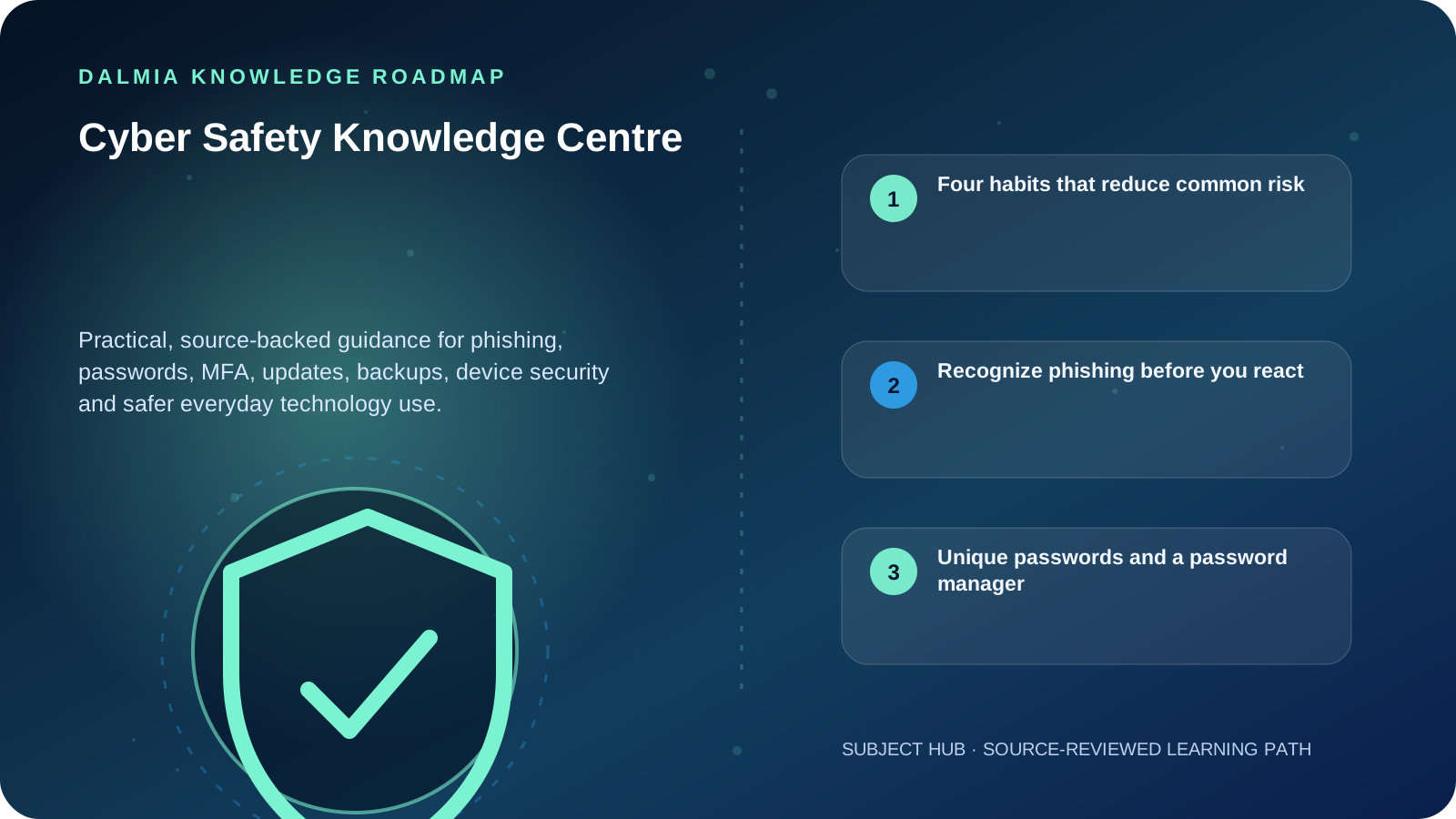
Visual roadmap for Cyber Safety Knowledge Centre
Article roadmap covering Four habits that reduce common risk, Recognize phishing before you react, Unique passwords and a password manager.
Quick answer

Start with four habits: recognize phishing, use unique strong passwords with a password manager, enable multifactor authentication and install trusted software updates. Add protected, tested backups and keep default device or router passwords changed.

Four habits that reduce common risk

Recognize phishing

Pause before opening unexpected links, attachments or requests for credentials and money.

Explore

Use a password manager

Create unique passwords instead of reusing one secret across accounts.

Explore

Turn on MFA

Add another verification factor wherever an account supports it.

Explore

Install updates

Use trusted update channels so known software flaws receive fixes.

Explore

Recognize phishing before you react

Phishing tries to push a person into opening a harmful attachment, following a deceptive link or sharing sensitive information. Urgency, fear, unexpected payment requests and login prompts deserve verification through a known channel.

Do not use the phone number or link inside a suspicious message to verify it. Open the official app, type the known website yourself or contact the organization using a trusted number.

Unique passwords and a password manager

Password reuse turns one account breach into a risk for other accounts. A reputable password manager helps create and store unique passwords so people do not have to invent memorable variations.

Never share an OTP or recovery code because a caller claims to be support. Genuine support processes should not require you to reveal a one-time authentication secret.

MFA adds another proof of identity

Multifactor authentication requires another verification factor in addition to a password. Enable it on email, financial, social and business accounts whenever available. Prefer the strongest method supported by the service and protect recovery options as carefully as the main account.

Updates, backups and device basics

  • Install operating-system, browser, application and device-firmware updates from trusted sources.
  • Change default passwords on routers, CCTV recorders and connected devices.
  • Maintain backups that are protected from the main device and test that important files can be restored.
  • Keep supported security software active and investigate warnings rather than disabling protection permanently.
  • If an account may be compromised, use the provider's official recovery path from a trusted device.

Sources and further reading

Technical statements were reviewed against these references. External pages may change after our review date.

  1. Cybersecurity basics — National Institute of Standards and Technology
  2. Secure Our World — Cybersecurity and Infrastructure Security Agency
Editorial standard

Educational content is separated from current stock, price, warranty and authorization claims. Corrections can be reported through the Dalmia contact desk.

Royal Violet Orbit Gallery · Quick Heal & Endpoint Cybersecurity

Technical Reference & Workload Showcase

Explore Quick Heal & Endpoint Cybersecurity →
Ransomware Shield & Safe Banking #043 Lightweight Background Scan
Multi-PC Office Endpoint Pack #050 Safe Pe & Online Banking Sandbox
Quick Heal Total Security #057 Genuine Activation Without Bloat
Cloud Backup & Anti-Phishing Suite #064 Centralized Multi-Seat Renewal
USB Port & External Media Guard #071 Zero-Day AI Behavioral Engine
Parental & Study Web Filter #006 Genuine Activation Without Bloat
Purulia Flagship Cinema · Interactive Chapters

Step Inside Dalmia Computers Purulia

Experience multi-brand laptops, 5G smartphones, custom PC builds, printers, CCTV planning, TallyPrime 7.1 and 7-stage OTP-verified repair care at Bikash Bhawan, Near ICICI Bank, Ranchi Road.

Verified Public Feedback · Google Place ID ChIJs4oLWox99jkRqigm5jEVJiE

Read Real Purulia Customer Feedback Before You Decide

Open the live Trustindex Google Reviews stream right here without slowing down initial page load, or visit our full Reviews & Social Hub.

Write a Review ★ Reviews & Social Hub → Google Maps ↗
Dalmia Smart Showroom Desk · Instant DB Prefill Ready

Send Your Shortlist or Ask for Live Availability

Returning customers enjoy instant smart phone memory. No payment is collected online — our Purulia showroom confirms exact stock and GST pricing.

No online payment is collected. Current stock, exchange inspection and GST pricing are confirmed by our Ranchi Road team.

Join @dalmiacomputers VIP Community & Reviews Unboxings, tech care guides, monthly 13-rank gifts & verified Purulia showroom updates.
CallWhatsApp