
Serving Purulia Since 2009+91 9734290001
Dalmia Computers original logoDalmia ComputersPurulia’s Premium Tech Destination
LoginWhatsApp
Planning guide · CCTV · visual evidence

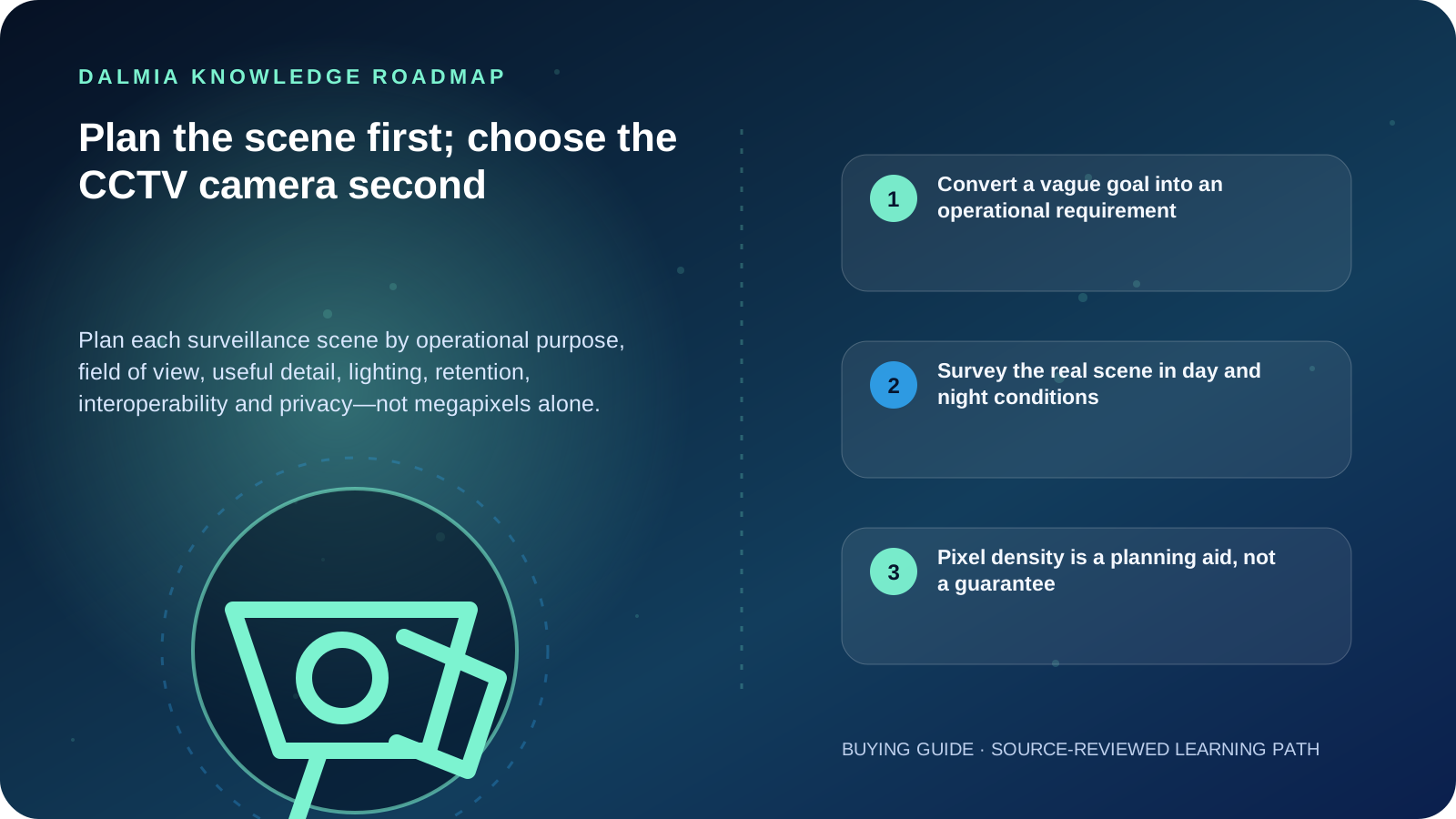
Plan the scene first; choose the CCTV camera second

Plan each surveillance scene by operational purpose, field of view, useful detail, lighting, retention, interoperability and privacy—not megapixels alone.

Intermediate11 min guideSource review: 14 Aug 2026
Dalmia Computers Purulia Brand Concierge — Independent Buying Knowledge & B2B Desk
Purulia Concierge Desk · Thoughtful Technical Mentor

Independent Buying Knowledge & B2B Desk

Understand specifications, GST/Tally workflows and compatibility principles clearly before committing to hardware.

Har Page = Smart Salesman · Honest Purulia Guidance

Interactive Need-Finder, Compatibility Check & Overspend Guard

Answer 3 quick skippable questions (zero login or phone gate) to see workload-matched tiers, 4-state compatibility checks, running-cost / EMI / 18% GST calculators, and live showroom demo availability.

Visual roadmap for Plan the scene first; choose the CCTV camera second
Article roadmap covering Convert a vague goal into an operational requirement, Survey the real scene in day and night conditions, Pixel density is a planning aid, not a guarantee.
Quick answer

Write one measurable purpose for each scene—such as detecting presence, observing activity, recognizing a known person or supporting identification—then measure the target area and distance. Validate field of view, pixel density, mounting angle, day and night lighting, obstruction, compression, retention and export workflow on the real site. Higher resolution cannot compensate for the wrong lens, poor light, excessive angle or an over-wide scene.

Convert a vague goal into an operational requirement

IEC-based visual-camera guidance summarized by Axis
PurposeWhat the image should supportPlanning reference
DetectDetermine whether a person is presentAbout 25 pixels per metre
ObserveSee number of people and characteristic detailsAbout 63 pixels per metre
RecognizeJudge whether a person is the same as one seen beforeAbout 125 pixels per metre
IdentifySupport identifying a person in suitable conditionsAbout 250 pixels per metre

Survey the real scene in day and night conditions

  1. Mark the exact target zone and purpose; an overview camera and an identification view are different jobs.
  2. Measure distance, target width, mounting options and likely approach direction rather than estimating from a floor plan alone.
  3. Check daylight, backlight, headlights, shadows, infrared reflection, weather, vegetation and seasonal obstruction.
  4. Calculate field of view and pixel density for the target zone, then validate on-site because compression, optics, angle and lighting also affect usable detail.
  5. Check power, PoE budget, cable path, surge and weather protection, network capacity, recorder channels, storage and export workflow.
  6. Confirm the precise interoperability features required by both client and device using the official ONVIF conformant-product records where applicable.
  7. Review privacy, notices, audio, neighbouring property, public areas, retention and access with the current applicable policy or legal guidance.
  8. Commission with recorded day/night samples and test playback, export, timestamps, account permissions and failure alerts.

Pixel density is a planning aid, not a guarantee

Axis explains that the pixel-density model simplifies a complex reality. Light direction, optics, compression, subject angle and display conditions can change whether an image meets the intended operational requirement. Test the real installation rather than treating a datasheet number as proof.

Security and privacy are part of scene design. Limit accounts and views to their purpose, use unique credentials, keep supported software current and avoid direct public-internet exposure of camera or recorder administration.

Sources and further reading

Technical statements were reviewed against these references. External pages may change after our review date.

  1. Pixel density based on IEC 62676-4:2014 — Axis Communications
  2. ONVIF Profiles — ONVIF
  3. Internet Exposure Reduction Guidance — Cybersecurity and Infrastructure Security Agency
Editorial standard

Educational content is separated from current stock, price, warranty and authorization claims. Corrections can be reported through the Dalmia contact desk.

Royal Violet Orbit Gallery · CCTV Surveillance & Access Security

Technical Reference & Workload Showcase

Explore CCTV Surveillance & Access Security →
4-Camera Shop PoE Kit #009 H.265+ Surveillance HDD Sizing
4G Solar Remote Site Camera #016 UPS-Backed Recorder Enclosure
Biometric Attendance + Door Lock #023 Encrypted Mobile Live View App
School Campus Multi-Floor NVR #030 PoE Single-Cable Power + Data
ANPR Gate & Driveway Bullet #037 Full-Color Starlight Night Optics
2-Way Audio Smart Dome #044 UPS-Backed Recorder Enclosure
Purulia Flagship Cinema · Interactive Chapters

Step Inside Dalmia Computers Purulia

Experience multi-brand laptops, 5G smartphones, custom PC builds, printers, CCTV planning, TallyPrime 7.1 and 7-stage OTP-verified repair care at Bikash Bhawan, Near ICICI Bank, Ranchi Road.

Verified Public Feedback · Google Place ID ChIJs4oLWox99jkRqigm5jEVJiE

Read Real Purulia Customer Feedback Before You Decide

Open the live Trustindex Google Reviews stream right here without slowing down initial page load, or visit our full Reviews & Social Hub.

Write a Review ★ Reviews & Social Hub → Google Maps ↗
Dalmia Smart Showroom Desk · Instant DB Prefill Ready

Send Your Shortlist or Ask for Live Availability

Returning customers enjoy instant smart phone memory. No payment is collected online — our Purulia showroom confirms exact stock and GST pricing.

No online payment is collected. Current stock, exchange inspection and GST pricing are confirmed by our Ranchi Road team.

Join @dalmiacomputers VIP Community & Reviews Unboxings, tech care guides, monthly 13-rank gifts & verified Purulia showroom updates.
CallWhatsApp