
Serving Purulia Since 2009+91 9734290001
Dalmia Computers original logoDalmia ComputersPurulia’s Premium Tech Destination
LoginWhatsApp
Room planning · projection · installation

Projector Knowledge Centre

Plan projectors around room light, image size, throw ratio, resolution, content, connectivity, screen, mounting, power and service access.

Beginner to advanced8 min centreSource review: 14 Aug 2026
Dalmia Computers Purulia Brand Concierge — Independent Buying Knowledge & B2B Desk
Purulia Concierge Desk · Thoughtful Technical Mentor

Independent Buying Knowledge & B2B Desk

Understand specifications, GST/Tally workflows and compatibility principles clearly before committing to hardware.

Har Page = Smart Salesman · Honest Purulia Guidance

Interactive Need-Finder, Compatibility Check & Overspend Guard

Answer 3 quick skippable questions (zero login or phone gate) to see workload-matched tiers, 4-state compatibility checks, running-cost / EMI / 18% GST calculators, and live showroom demo availability.

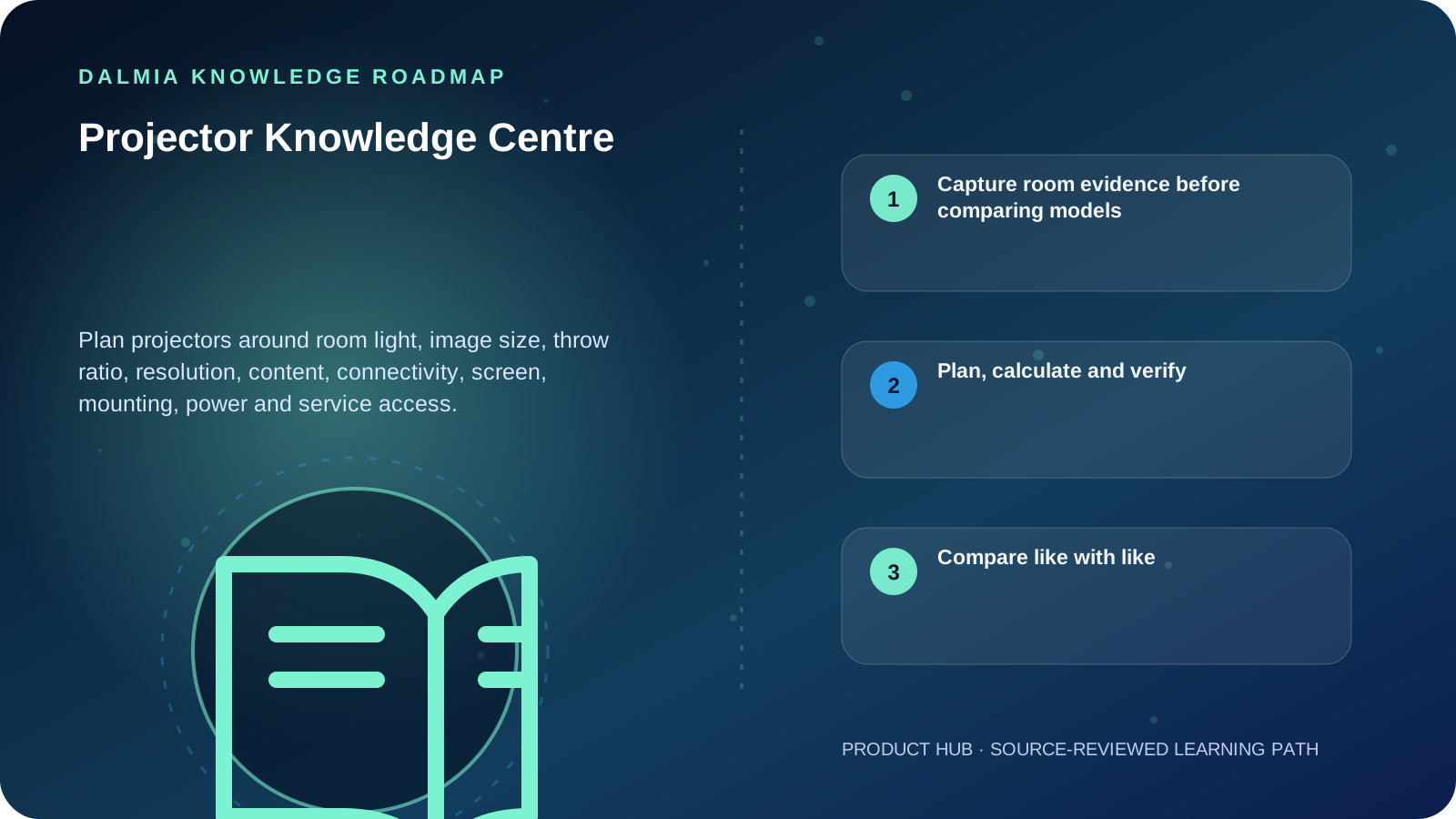
Visual roadmap for Projector Knowledge Centre
Article roadmap covering Capture room evidence before comparing models, Plan, calculate and verify, Compare like with like.
Quick answer

Choose a projector from the room outward. Measure available lens-to-screen distance and required image width, record ambient light and content, then verify throw ratio, measured brightness standard, native resolution, inputs, mounting geometry, screen, power and service access. A large lumen number or 4K label alone cannot prove that a projector will fit or remain readable in the real room.

Capture room evidence before comparing models

Room evidence required for a projector shortlist
MeasureRecordWhy it changes the choice
Image areaUsable width, height and aspect ratioDetermines target image and screen fit
Throw spaceLens position to image surfaceMust fall inside the exact model's throw range
Ambient lightWindows, lights and whether they can be controlledLight and larger image area reduce perceived contrast
ContentText, spreadsheets, teaching, film, photo or gamesChanges resolution, color, latency and legibility priorities
InstallationCeiling/wall structure, cable route, ventilation and accessAffects safety, service and alignment
SourcesLaptop, phone, player, network and audioPorts, adapters, copy protection and control must match

Plan, calculate and verify

Projector buying guide

Turn room measurements and content into a documented specification checklist.

Explore

Throw-ratio calculator

Calculate image width or lens-to-screen distance using the visible formula.

Explore

Laptop buying guide

Check display output, ports and application requirements on the source device.

Explore

Power Backup Centre

Separate load planning, protection and runtime questions.

Explore

Projector product guidance

Use the commercial route after documenting the room requirement.

Explore

Compare like with like

ISO/IEC 21118 specifies information for front-projection data-projector specification sheets. When comparing brightness or another claim, identify the stated measurement method and test context rather than treating every number with a similar label as equivalent.

Ambient light, image size and screen/room reflections affect the visible result. Use a model-specific throw chart or calculator for final placement; the general formula is a planning aid and does not include zoom range, lens shift, offset, keystone or mounting tolerance.

Sources and further reading

Technical statements were reviewed against these references. External pages may change after our review date.

  1. ISO/IEC 21118:2020 — Information for Data Projector Specification Sheets — International Organization for Standardization
  2. How to Choose the Right Projector Brightness and Lumens for Your Room — BenQ India
Editorial standard

Educational content is separated from current stock, price, warranty and authorization claims. Corrections can be reported through the Dalmia contact desk.

Royal Violet Orbit Gallery · Desktops, AIO & Workstations

Technical Reference & Workload Showcase

Explore Desktops, AIO & Workstations →
Clinic & Pharmacy Reliable PC #015 80+ Certified Clean Power Rail
School Computer Lab Node #022 Tool-Less Upgradeable Chassis
Compact Mini-PC Desk Setup #029 Pre-Checked BIOS & Thermal Curve
CAD & Architecture Workstation #036 Dust-Filtered Positive Airflow
Multi-Monitor Office Desktop #043 80+ Certified Clean Power Rail
Retail Counter Billing Tower #050 Tool-Less Upgradeable Chassis
Purulia Flagship Cinema · Interactive Chapters

Step Inside Dalmia Computers Purulia

Experience multi-brand laptops, 5G smartphones, custom PC builds, printers, CCTV planning, TallyPrime 7.1 and 7-stage OTP-verified repair care at Bikash Bhawan, Near ICICI Bank, Ranchi Road.

Verified Public Feedback · Google Place ID ChIJs4oLWox99jkRqigm5jEVJiE

Read Real Purulia Customer Feedback Before You Decide

Open the live Trustindex Google Reviews stream right here without slowing down initial page load, or visit our full Reviews & Social Hub.

Write a Review ★ Reviews & Social Hub → Google Maps ↗
Dalmia Smart Showroom Desk · Instant DB Prefill Ready

Send Your Shortlist or Ask for Live Availability

Returning customers enjoy instant smart phone memory. No payment is collected online — our Purulia showroom confirms exact stock and GST pricing.

No online payment is collected. Current stock, exchange inspection and GST pricing are confirmed by our Ranchi Road team.

Join @dalmiacomputers VIP Community & Reviews Unboxings, tech care guides, monthly 13-rank gifts & verified Purulia showroom updates.
CallWhatsApp