
Serving Purulia Since 2009+91 9734290001
Dalmia Computers original logoDalmia ComputersPurulia’s Premium Tech Destination
LoginWhatsApp
Troubleshooting · UPS · electrical safety

UPS beeping? Read the alarm pattern before changing the load

Use model-specific alarm evidence to separate normal battery operation, overload, battery condition, wiring and internal UPS faults safely.

Beginner9 min safety guideSource review: 14 Aug 2026
Dalmia Computers Purulia Brand Concierge — Independent Buying Knowledge & B2B Desk
Purulia Concierge Desk · Thoughtful Technical Mentor

Independent Buying Knowledge & B2B Desk

Understand specifications, GST/Tally workflows and compatibility principles clearly before committing to hardware.

Har Page = Smart Salesman · Honest Purulia Guidance

Interactive Need-Finder, Compatibility Check & Overspend Guard

Answer 3 quick skippable questions (zero login or phone gate) to see workload-matched tiers, 4-state compatibility checks, running-cost / EMI / 18% GST calculators, and live showroom demo availability.

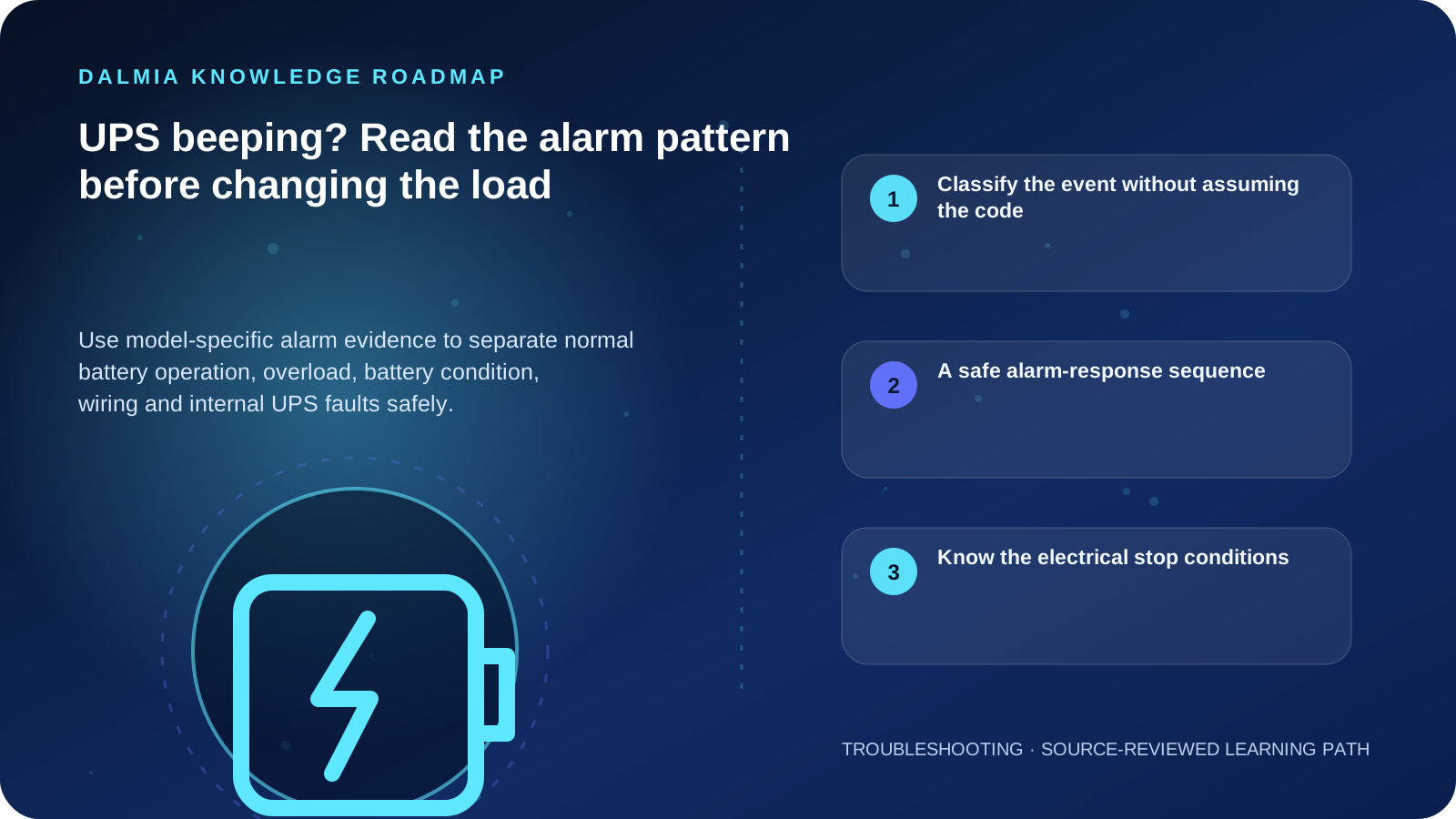
Visual roadmap for UPS beeping? Read the alarm pattern before changing the load
Article roadmap covering Classify the event without assuming the code, A safe alarm-response sequence, Know the electrical stop conditions.
Quick answer

Read the display, LEDs and exact audible pattern, record what equipment was running and whether utility power changed, then consult the manual for the exact UPS model. An occasional alarm may indicate normal battery operation, while a constant tone, overload indicator, replace-battery warning, wiring alert, heat, smell or fault code can require load reduction, safe shutdown or qualified service. Beep meanings are not universal across brands or models.

Classify the event without assuming the code

Observations that narrow a UPS alarm
ObservationInvestigateImmediate boundary
Alarm began when utility power failedOn-battery state, remaining load and planned shutdownSave work; do not add load
Overload light or messageConnected running load and any motor, printer or high-surge deviceRemove non-essential load using the documented sequence
Replace-battery indicatorBattery age, temperature, recent outage and self-test resultUse only the approved battery and service method
Wiring or input-voltage warningOutlet, earthing, supply quality and qualified site inspectionDo not open a socket or bypass earth
Constant alarm, fault code, heat or smellInternal fault, battery or overloadShut down safely and stop using the unit if the manual directs it

A safe alarm-response sequence

  1. Note the brand, exact model, display message, LED state, audible pattern, time and whether utility power changed.
  2. Save open work and use an orderly shutdown if runtime is uncertain or the system reports overload or low battery.
  3. List the connected equipment and remove only non-essential loads through normal switches or plugs when it is safe to do so.
  4. Check the exact model manual or official support page for that alarm pattern; APC documentation, for example, distinguishes on-battery operation, overload, battery and internal-fault conditions.
  5. Inspect only external ventilation, accessible cables and indicators. Keep vents clear and confirm the installation environment matches the documentation.
  6. After stable utility power returns, allow the documented recharge period and run only the supported self-test when conditions are safe.
  7. Escalate recurring transfers, reduced runtime, fault codes, wiring alerts or battery warnings with the recorded evidence.

Know the electrical stop conditions

Schneider Electric's APC guidance treats an internal fault as a stop-and-service condition and directs qualified inspection for site wiring faults. It also notes that reduced runtime can follow a recent outage, battery ageing, heat or overload.

Do not silence a recurring alarm without understanding it, bridge battery terminals, fit an unapproved battery, defeat covers, test live wiring or connect loads that the manufacturer excludes.

Sources and further reading

Technical statements were reviewed against these references. External pages may change after our review date.

  1. Why might my APC Back-UPS product be beeping? — Schneider Electric
  2. Basic troubleshooting steps for Smart-UPS — APC by Schneider Electric
  3. Uninterruptible Power Supplies — U.S. Department of Energy
Editorial standard

Educational content is separated from current stock, price, warranty and authorization claims. Corrections can be reported through the Dalmia contact desk.

Royal Violet Orbit Gallery · UPS, Sinewave Inverters & Batteries

Technical Reference & Workload Showcase

Explore UPS, Sinewave Inverters & Batteries →
Online Double-Conversion Server UPS #020 Deep-Discharge Tubular Alloy Grid
Tall-Tubular Deep-Cycle Battery #027 Pure Sinewave Safe for Active PFC
Pure Sinewave Home/Office Inverter #034 Safe Old-Battery Eco Exchange
Line-Interactive PC & Gaming UPS #041 Runtime Calculated for Real Wattage
Voltage AVR & Spike Protection #048 VA & Wattage Load-Matched Sizing
Dual-Battery High-VA Office Bank #055 Zero-Reboot <6ms Transfer Time
Purulia Flagship Cinema · Interactive Chapters

Step Inside Dalmia Computers Purulia

Experience multi-brand laptops, 5G smartphones, custom PC builds, printers, CCTV planning, TallyPrime 7.1 and 7-stage OTP-verified repair care at Bikash Bhawan, Near ICICI Bank, Ranchi Road.

Verified Public Feedback · Google Place ID ChIJs4oLWox99jkRqigm5jEVJiE

Read Real Purulia Customer Feedback Before You Decide

Open the live Trustindex Google Reviews stream right here without slowing down initial page load, or visit our full Reviews & Social Hub.

Write a Review ★ Reviews & Social Hub → Google Maps ↗
Dalmia Smart Showroom Desk · Instant DB Prefill Ready

Send Your Shortlist or Ask for Live Availability

Returning customers enjoy instant smart phone memory. No payment is collected online — our Purulia showroom confirms exact stock and GST pricing.

No online payment is collected. Current stock, exchange inspection and GST pricing are confirmed by our Ranchi Road team.

Join @dalmiacomputers VIP Community & Reviews Unboxings, tech care guides, monthly 13-rank gifts & verified Purulia showroom updates.
CallWhatsApp