
Serving Purulia Since 2009+91 9734290001
Dalmia Computers original logoDalmia ComputersPurulia’s Premium Tech Destination
LoginWhatsApp
Troubleshooting · Windows · system stability

Windows stop-code error? Capture the code before changing the system

Respond to Windows stop-code errors by recording the code, protecting data and isolating recent hardware, drivers, updates, storage and recovery options.

Beginner to intermediate10 min recovery guideSource review: 14 Aug 2026
Dalmia Computers Purulia Brand Concierge — Independent Buying Knowledge & B2B Desk
Purulia Concierge Desk · Thoughtful Technical Mentor

Independent Buying Knowledge & B2B Desk

Understand specifications, GST/Tally workflows and compatibility principles clearly before committing to hardware.

Har Page = Smart Salesman · Honest Purulia Guidance

Interactive Need-Finder, Compatibility Check & Overspend Guard

Answer 3 quick skippable questions (zero login or phone gate) to see workload-matched tiers, 4-state compatibility checks, running-cost / EMI / 18% GST calculators, and live showroom demo availability.

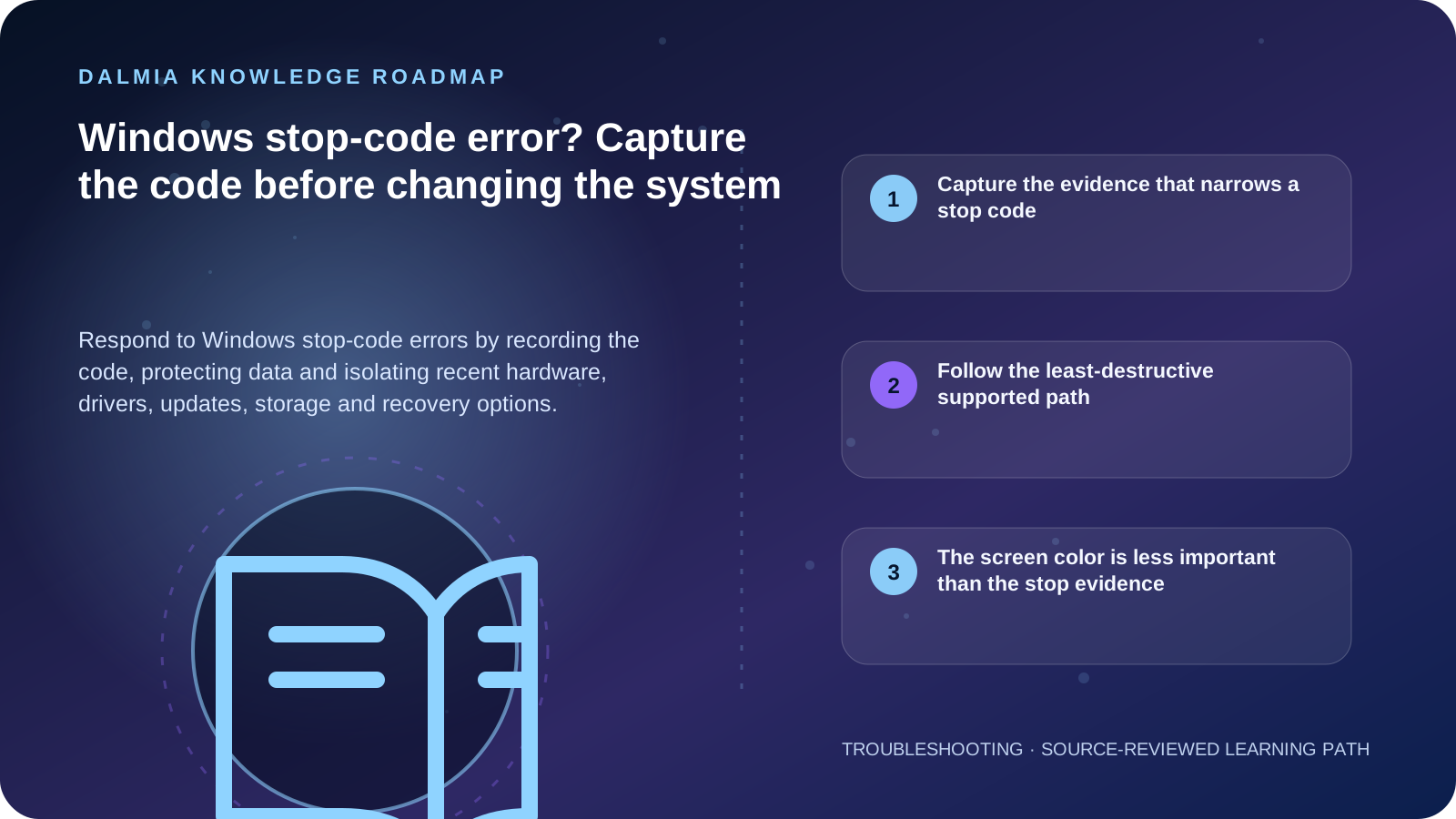
Visual roadmap for Windows stop-code error? Capture the code before changing the system
Article roadmap covering Capture the evidence that narrows a stop code, Follow the least-destructive supported path, The screen color is less important than the stop evidence.
Quick answer

Photograph or write down the stop code, any “What failed” module, the time and the change that preceded the restart. If Windows becomes stable, protect important data and install supported updates; if the error repeats, compare recent hardware, drivers, applications, storage space and safe-mode behavior. Use Windows recovery options that match the evidence and preserve rollback. Do not install a random driver pack, delete system files or repeatedly stress a machine with storage errors, severe heat or electrical damage.

Capture the evidence that narrows a stop code

Stop-code patterns and useful comparisons
PatternRecordInvestigate next
One restart, then stableCode, time and active taskBack up, update and monitor before invasive work
Repeats after new hardwareDevice, installation time and codeShut down and use the supported removal or compatibility path
Repeats after a driver or updateUpdate history, device and “What failed”Safe mode, supported update, rollback or recovery option
Occurs during heavy load with heatWorkload, fan behavior and thermal errorsThermal diagnosis before more stress testing
Occurs with drive errors or missing storageDisk status, noises and backup stateProtect data and stop destructive disk actions

Follow the least-destructive supported path

  1. Record the stop code, module name, time, affected task and recent hardware, driver, software or update change.
  2. If Windows starts normally, back up important files and check supported Windows and device-manufacturer updates.
  3. Confirm adequate free storage and review Device Manager for a device error associated with the incident.
  4. If the error repeats, use the supported safe-mode path to compare behavior without normal startup software and drivers.
  5. Remove newly added external hardware or reverse a recent change only through the exact device and Windows guidance.
  6. Choose System Restore, Startup Repair or another Windows recovery option only when it matches the scenario and the consequences are understood.
  7. Escalate with the code, frequency, recent changes and tests when the system will not start, data is at risk or the error persists.

The screen color is less important than the stop evidence

Microsoft now describes these failures as unexpected restarts and stop-code errors; the screen may be blue or black depending on the Windows version. A hardware device, driver or software can be involved, so the code and change history are more useful than the color.

A repeated generic reset can hide the original trigger and may erase recovery context. Keep a record of each code and do not assume every stop code has the same fix.

Sources and further reading

Technical statements were reviewed against these references. External pages may change after our review date.

  1. Troubleshooting Windows unexpected restarts and stop code errors — Microsoft Support
  2. Device performance and health in the Windows Security app — Microsoft Support
Editorial standard

Educational content is separated from current stock, price, warranty and authorization claims. Corrections can be reported through the Dalmia contact desk.

Royal Violet Orbit Gallery · Genuine Spares, SSD/RAM & Chip-Level Lab

Technical Reference & Workload Showcase

Explore Genuine Spares, SSD/RAM & Chip-Level Lab →
Laser Drum, Fuser & Pickup Roller #040 ESD-Safe Microscope Bench Protocol
Laptop Hinge, Chassis & Thermal Rebuild #047 Part Serial Recorded on Digital Bill
Smart Wattage-Matched AC Adapter #054 Genuine Connector & Over-Current Guard
Motherboard BGA & VRM Diagnostics #061 SMART Health & Clone Integrity Check
FHD IPS eDP Display Panel Replacement #068 ESD-Safe Microscope Bench Protocol
OEM-Grade Laptop Battery Pack #075 Part Serial Recorded on Digital Bill
Purulia Flagship Cinema · Interactive Chapters

Step Inside Dalmia Computers Purulia

Experience multi-brand laptops, 5G smartphones, custom PC builds, printers, CCTV planning, TallyPrime 7.1 and 7-stage OTP-verified repair care at Bikash Bhawan, Near ICICI Bank, Ranchi Road.

Verified Public Feedback · Google Place ID ChIJs4oLWox99jkRqigm5jEVJiE

Read Real Purulia Customer Feedback Before You Decide

Open the live Trustindex Google Reviews stream right here without slowing down initial page load, or visit our full Reviews & Social Hub.

Write a Review ★ Reviews & Social Hub → Google Maps ↗
Dalmia Smart Showroom Desk · Instant DB Prefill Ready

Send Your Shortlist or Ask for Live Availability

Returning customers enjoy instant smart phone memory. No payment is collected online — our Purulia showroom confirms exact stock and GST pricing.

No online payment is collected. Current stock, exchange inspection and GST pricing are confirmed by our Ranchi Road team.

Join @dalmiacomputers VIP Community & Reviews Unboxings, tech care guides, monthly 13-rank gifts & verified Purulia showroom updates.
CallWhatsApp