
Serving Purulia Since 2009+91 9734290001
Dalmia Computers original logoDalmia ComputersPurulia’s Premium Tech Destination
LoginWhatsApp
Memory technology · platform comparison

DDR4 vs DDR5: compatibility comes before speed

Understand DDR4 and DDR5 memory-generation differences, physical incompatibility, platform support and upgrade decisions.

Intermediate8 min comparisonSource review: 14 Aug 2026
Dalmia Computers Purulia Brand Concierge — Independent Buying Knowledge & B2B Desk
Purulia Concierge Desk · Thoughtful Technical Mentor

Independent Buying Knowledge & B2B Desk

Understand specifications, GST/Tally workflows and compatibility principles clearly before committing to hardware.

Har Page = Smart Salesman · Honest Purulia Guidance

Interactive Need-Finder, Compatibility Check & Overspend Guard

Answer 3 quick skippable questions (zero login or phone gate) to see workload-matched tiers, 4-state compatibility checks, running-cost / EMI / 18% GST calculators, and live showroom demo availability.

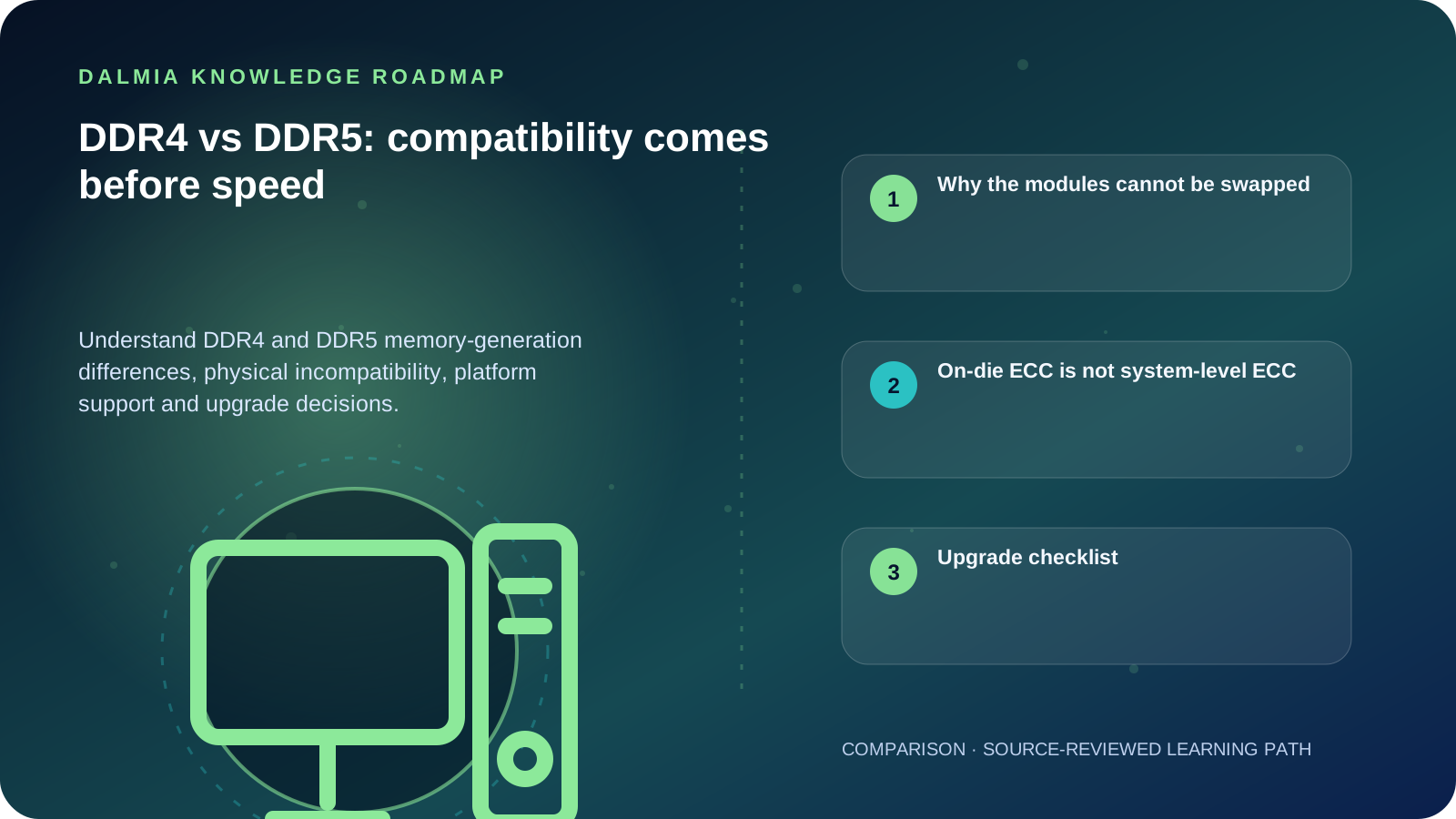
Visual roadmap for DDR4 vs DDR5: compatibility comes before speed
Article roadmap covering Why the modules cannot be swapped, On-die ECC is not system-level ECC, Upgrade checklist.
Quick answer

DDR4 and DDR5 are different memory generations and are not physically interchangeable. The processor and motherboard determine which generation is supported. DDR5 raises the generation's transfer-rate baseline and changes module power management and channel organization, but a real upgrade decision must use the exact platform's supported type, capacity, speed and module layout.

Why the modules cannot be swapped

Desktop DDR4 and DDR5 modules use different key positions and electrical designs. A board built for one generation does not become compatible with the other through force or an adapter. Some processor families can work with either generation across different motherboard models, but an individual board normally supports the memory type it was designed for.

Laptop memory may be socketed, partly soldered or fully soldered. Confirm the exact model, service documentation and available slots before treating memory as upgradeable.

Generation-level differences to verify
FactorDDR4DDR5
Physical fitDDR4-keyed slot and moduleDDR5-keyed slot and module; not interchangeable with DDR4
Power managementPrimarily motherboard-managed for the moduleIncludes a power-management integrated circuit on the module
Data organizationOne 64-bit channel per standard unbuffered moduleTwo independent 32-bit subchannels per standard unbuffered module
Platform decisionUse only where processor and board support DDR4Use only where processor and board support DDR5

On-die ECC is not system-level ECC

DDR5 on-die error correction helps the memory chip manage internal bit reliability. It does not provide the same end-to-end data protection as a platform that supports ECC memory across the memory path. Do not advertise a standard DDR5 module as system ECC merely because its chips use on-die ECC.

Upgrade checklist

  1. Identify the exact motherboard or laptop model and processor.
  2. Confirm DDR generation, module form factor, slot count, maximum capacity and supported organization.
  3. Check the vendor's memory support guidance and firmware requirements.
  4. Prefer a tested matched configuration when channel layout and stability matter.
  5. Run memory diagnostics and normal workloads after installation.

Sources and further reading

Technical statements were reviewed against these references. External pages may change after our review date.

  1. DDR5 Memory Standard: An Introduction to the Next Generation of DRAM Module Technology — Kingston Technology
Editorial standard

Educational content is separated from current stock, price, warranty and authorization claims. Corrections can be reported through the Dalmia contact desk.

Royal Violet Orbit Gallery · 5G Smartphones & Handsets

Technical Reference & Workload Showcase

Explore 5G Smartphones & Handsets →
Compact One-Hand Flagship #016 UFS 3.1 / 4.0 App Launch Speed
Clean-UI Business Smartphone #023 Gorilla Glass Victus Shield
Executive Dual-SIM Fold/Pro #030 120Hz LTPO Adaptive Display
Student Value 5G Handset #037 Verified IMEI & Sealed Warranty
Long-Endurance 5500mAh 5G #044 Stereo Dolby Atmos Speakers
Flagship 5G Camera Handset #051 Smart Fast-Charge Thermal Guard
Purulia Flagship Cinema · Interactive Chapters

Step Inside Dalmia Computers Purulia

Experience multi-brand laptops, 5G smartphones, custom PC builds, printers, CCTV planning, TallyPrime 7.1 and 7-stage OTP-verified repair care at Bikash Bhawan, Near ICICI Bank, Ranchi Road.

Verified Public Feedback · Google Place ID ChIJs4oLWox99jkRqigm5jEVJiE

Read Real Purulia Customer Feedback Before You Decide

Open the live Trustindex Google Reviews stream right here without slowing down initial page load, or visit our full Reviews & Social Hub.

Write a Review ★ Reviews & Social Hub → Google Maps ↗
Dalmia Smart Showroom Desk · Instant DB Prefill Ready

Send Your Shortlist or Ask for Live Availability

Returning customers enjoy instant smart phone memory. No payment is collected online — our Purulia showroom confirms exact stock and GST pricing.

No online payment is collected. Current stock, exchange inspection and GST pricing are confirmed by our Ranchi Road team.

Join @dalmiacomputers VIP Community & Reviews Unboxings, tech care guides, monthly 13-rank gifts & verified Purulia showroom updates.
CallWhatsApp