
Serving Purulia Since 2009+91 9734290001
Dalmia Computers original logoDalmia ComputersPurulia’s Premium Tech Destination
LoginWhatsApp
Technology glossary · R

RAM (Random Access Memory)

Learn what RAM means, how working memory differs from storage, and why capacity, generation, speed, channels and compatibility matter.

Beginner to intermediate5 min definitionSource review: 14 Aug 2026
Dalmia Computers Purulia Brand Concierge — Independent Buying Knowledge & B2B Desk
Purulia Concierge Desk · Thoughtful Technical Mentor

Independent Buying Knowledge & B2B Desk

Understand specifications, GST/Tally workflows and compatibility principles clearly before committing to hardware.

Har Page = Smart Salesman · Honest Purulia Guidance

Interactive Need-Finder, Compatibility Check & Overspend Guard

Answer 3 quick skippable questions (zero login or phone gate) to see workload-matched tiers, 4-state compatibility checks, running-cost / EMI / 18% GST calculators, and live showroom demo availability.

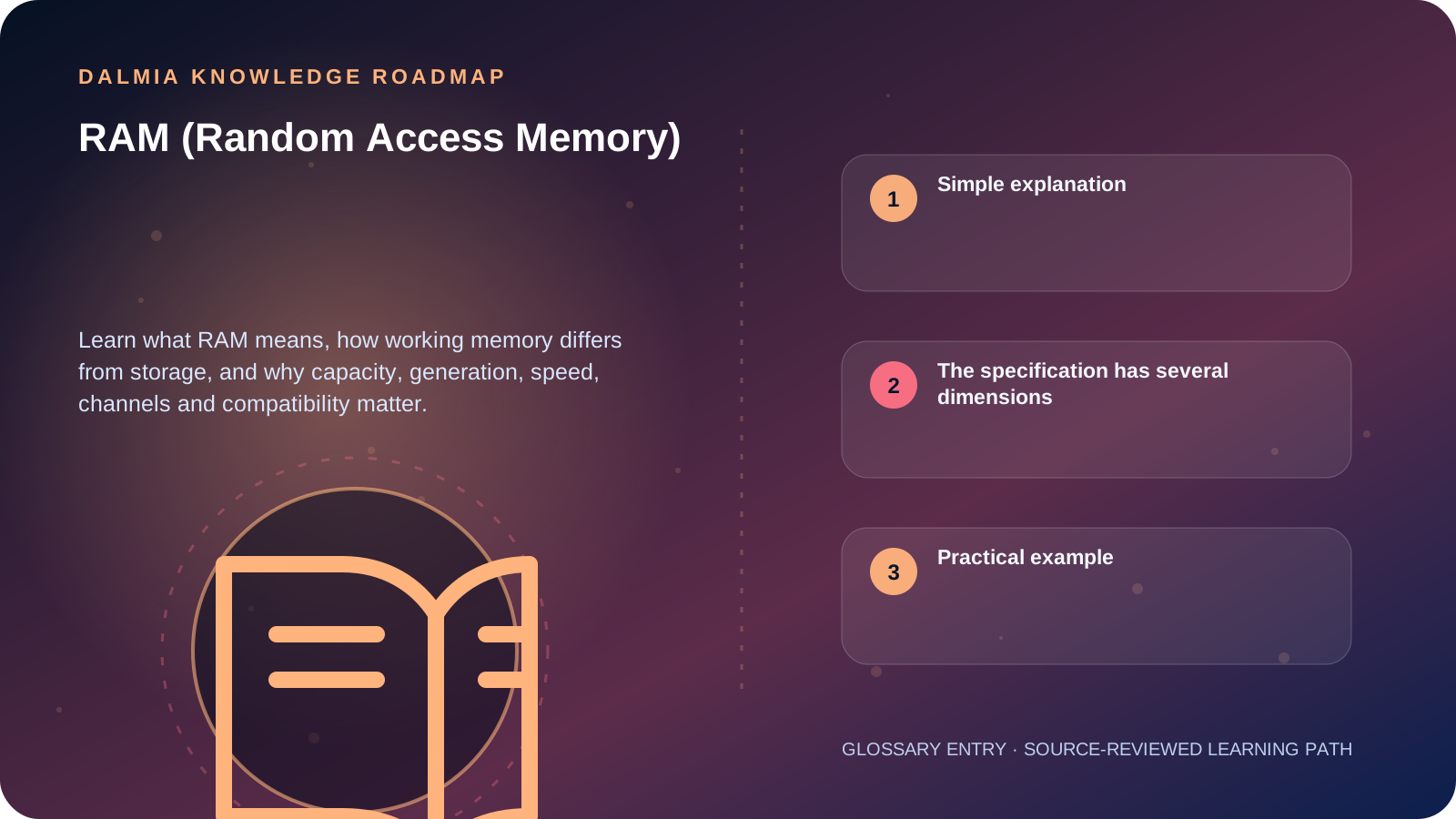
Visual roadmap for RAM (Random Access Memory)
Article roadmap covering Simple explanation, The specification has several dimensions, Practical example.
Quick answer

RAM is the computer's fast working memory for data and instructions currently in use. It is normally volatile, so its contents are lost when power is removed. More RAM can reduce slow storage swapping when capacity is insufficient, but it does not automatically make every processor task faster.

Simple explanation

Think of storage as the filing cabinet and RAM as the active work surface. Applications and files remain on storage, but the operating system moves current working data into RAM because it is designed for rapid random access.

When the active workload exceeds available memory, the system may compress data or move some of it to slower storage. That can make switching and large workloads feel less responsive.

The specification has several dimensions

  • Capacity: how much active data can be held, commonly stated in GB.
  • Generation and form factor: DDR4/DDR5 and desktop/laptop module type must match the platform.
  • Data rate: transfer capability stated for a supported configuration; platform limits still apply.
  • Channels: memory-controller pathways influenced by installed module layout.
  • Timings: latency values that must be interpreted with the operating data rate.
  • ECC: error-correcting capability requires compatible processor, motherboard and module support.

Practical example

A system that slows only when many browser tabs, large spreadsheets and communication applications are open may benefit from more capacity if monitoring confirms memory pressure. A system that is slow with one processor-heavy task may need a different diagnosis.

Before upgrading, record the exact installed module, free slots and supported configuration. Do not mix generations or assume two modules with similar labels will operate identically together.

Sources and further reading

Technical statements were reviewed against these references. External pages may change after our review date.

  1. DDR5 Memory Standard: An Introduction to the Next Generation of DRAM Module Technology — Kingston Technology
Editorial standard

Educational content is separated from current stock, price, warranty and authorization claims. Corrections can be reported through the Dalmia contact desk.

Royal Violet Orbit Gallery · Desktops, AIO & Workstations

Technical Reference & Workload Showcase

Explore Desktops, AIO & Workstations →
All-in-One Reception PC #017 Dual HDMI + DisplayPort Multi-View
Silent Creator Tower #024 Pre-Checked BIOS & Thermal Curve
Clinic & Pharmacy Reliable PC #031 Dust-Filtered Positive Airflow
School Computer Lab Node #038 80+ Certified Clean Power Rail
Compact Mini-PC Desk Setup #045 Tool-Less Upgradeable Chassis
CAD & Architecture Workstation #052 Pre-Checked BIOS & Thermal Curve
Purulia Flagship Cinema · Interactive Chapters

Step Inside Dalmia Computers Purulia

Experience multi-brand laptops, 5G smartphones, custom PC builds, printers, CCTV planning, TallyPrime 7.1 and 7-stage OTP-verified repair care at Bikash Bhawan, Near ICICI Bank, Ranchi Road.

Verified Public Feedback · Google Place ID ChIJs4oLWox99jkRqigm5jEVJiE

Read Real Purulia Customer Feedback Before You Decide

Open the live Trustindex Google Reviews stream right here without slowing down initial page load, or visit our full Reviews & Social Hub.

Write a Review ★ Reviews & Social Hub → Google Maps ↗
Dalmia Smart Showroom Desk · Instant DB Prefill Ready

Send Your Shortlist or Ask for Live Availability

Returning customers enjoy instant smart phone memory. No payment is collected online — our Purulia showroom confirms exact stock and GST pricing.

No online payment is collected. Current stock, exchange inspection and GST pricing are confirmed by our Ranchi Road team.

Join @dalmiacomputers VIP Community & Reviews Unboxings, tech care guides, monthly 13-rank gifts & verified Purulia showroom updates.
CallWhatsApp