
Serving Purulia Since 2009+91 9734290001
Dalmia Computers original logoDalmia ComputersPurulia’s Premium Tech Destination
LoginWhatsApp
Recording · streaming · teaching · production

Creator Studio Knowledge Centre

Plan creator, teaching and streaming setups as one tested signal chain across camera, microphone, light, support, computer, network and storage.

Beginner to advanced8 min centreSource review: 14 Aug 2026
Dalmia Computers Purulia Brand Concierge — Independent Buying Knowledge & B2B Desk
Purulia Concierge Desk · Thoughtful Technical Mentor

Independent Buying Knowledge & B2B Desk

Understand specifications, GST/Tally workflows and compatibility principles clearly before committing to hardware.

Har Page = Smart Salesman · Honest Purulia Guidance

Interactive Need-Finder, Compatibility Check & Overspend Guard

Answer 3 quick skippable questions (zero login or phone gate) to see workload-matched tiers, 4-state compatibility checks, running-cost / EMI / 18% GST calculators, and live showroom demo availability.

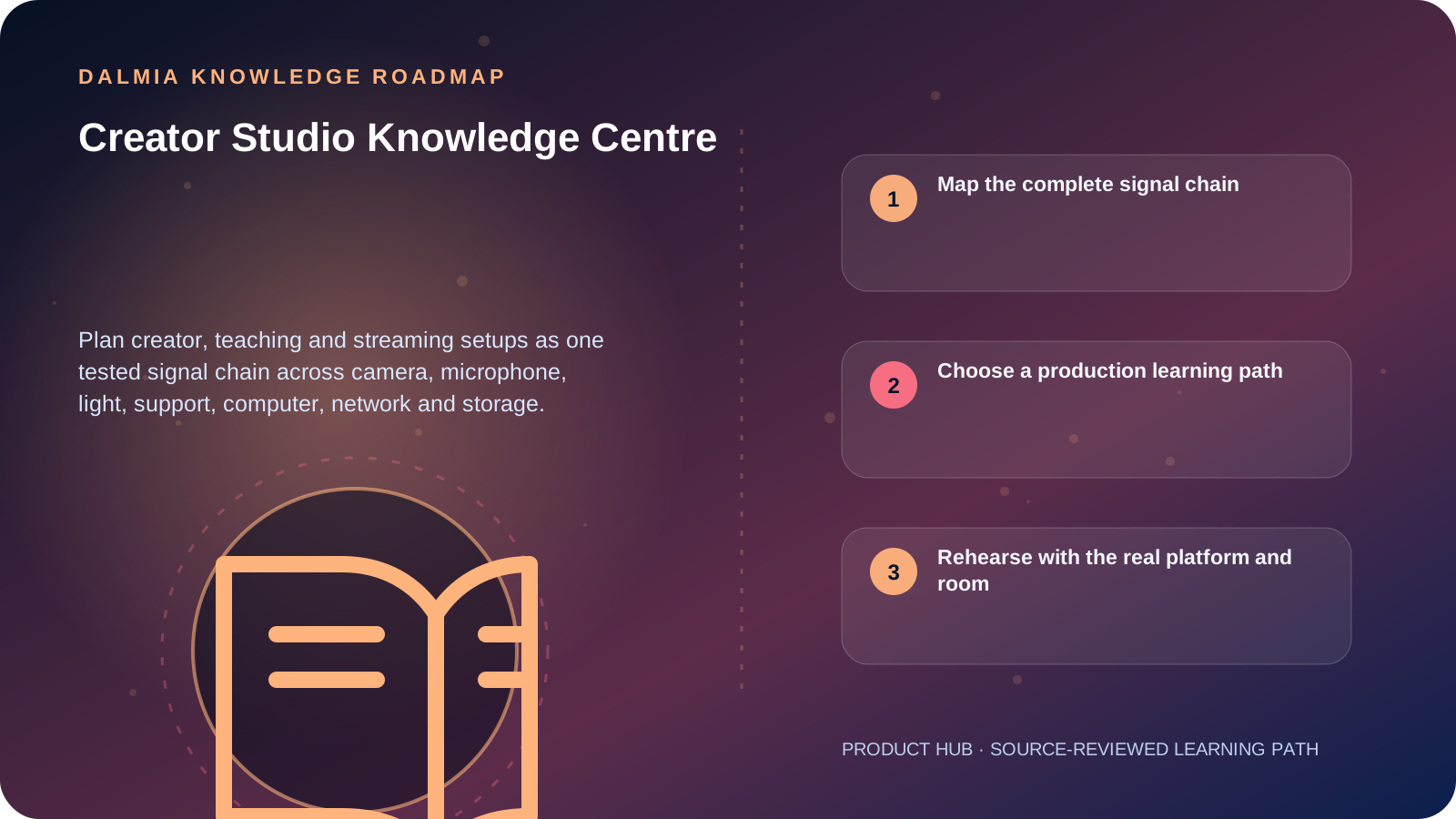
Visual roadmap for Creator Studio Knowledge Centre
Article roadmap covering Map the complete signal chain, Choose a production learning path, Rehearse with the real platform and room.
Quick answer

A useful creator setup is a tested signal chain, not a pile of accessories. Define the platform and output first, then connect camera or phone, microphone, lighting, support, power, storage, computer or encoder and upload network. Improve the weakest verified constraint—often placement, room noise, stability or workflow—before buying another device.

Map the complete signal chain

Creator setup layers and the question each must answer
LayerVerifyTypical failure
PictureSubject, framing, focus, exposure, camera/phone outputBuying resolution without reliable focus or light
SoundVoice distance, pickup direction, room noise and monitoringPlacing a microphone far away and amplifying the room
LightSubject visibility, flicker, heat, power and placementOne harsh light or unsafe improvised mounting
SupportTripod, clamp, cable strain relief and safe loadA mount that fits the thread but not the weight or movement
ProcessingRecording, encoding, overlays, drivers and sustained loadAssuming a model label proves encoder support
DeliveryPlatform format, upload bandwidth, latency and archiveTesting speed once but not the real stream and audio

Choose a production learning path

Plan a creator setup

Build a minimum viable recording or stream and test every handoff.

Explore

Camera Knowledge Centre

Understand body, lens mount, storage, battery and workflow decisions.

Explore

Audio and Accessories Centre

Match microphone, headphones and connections to the real task.

Explore

USB-C charging safety

Verify cable, charger, port and supported function instead of trusting the connector shape.

Explore

Creator gear guidance

Use the inquiry-first commercial route after the workflow is defined.

Explore

Rehearse with the real platform and room

YouTube recommends testing a live setup with the same audio and movement expected during the event, checking the preview and monitoring stream health. Upload bandwidth needs margin because other users and network variation can affect delivery.

Record a short sample, listen on headphones and a phone speaker, inspect focus and exposure, confirm the local archive, and repeat after reconnecting every cable. A successful desktop preview does not prove that the public platform receives stable audio and video.

Sources and further reading

Technical statements were reviewed against these references. External pages may change after our review date.

  1. YouTube Recommended Upload Encoding Settings — YouTube Help
  2. YouTube Streaming Tips — YouTube Help
  3. Hardware Encoding — OBS Project
  4. Essential Tips for Live Streaming — Shure India
Editorial standard

Educational content is separated from current stock, price, warranty and authorization claims. Corrections can be reported through the Dalmia contact desk.

Royal Violet Orbit Gallery · Custom Gaming & Liquid-Cooled Rigs

Technical Reference & Workload Showcase

Explore Custom Gaming & Liquid-Cooled Rigs →
White-Edition Panoramic Airflow #047 Zero-Bottleneck CPU-GPU Pairing
360mm Liquid-Cooled Showcase #054 PCIe Gen5 x16 Reinforced Slot
1440p Ultra Gaming Rig #061 360mm ARGB AIO Thermal Loop
Compact mATX LAN Powerhouse #068 Bench Stress-Tested in Purulia
Blender & Unreal Render Tower #075 High-Static Mesh Front Intake
4K Ray-Tracing Creator Beast #002 DDR5 EXPO / XMP Tuned Timings
Purulia Flagship Cinema · Interactive Chapters

Step Inside Dalmia Computers Purulia

Experience multi-brand laptops, 5G smartphones, custom PC builds, printers, CCTV planning, TallyPrime 7.1 and 7-stage OTP-verified repair care at Bikash Bhawan, Near ICICI Bank, Ranchi Road.

Verified Public Feedback · Google Place ID ChIJs4oLWox99jkRqigm5jEVJiE

Read Real Purulia Customer Feedback Before You Decide

Open the live Trustindex Google Reviews stream right here without slowing down initial page load, or visit our full Reviews & Social Hub.

Write a Review ★ Reviews & Social Hub → Google Maps ↗
Dalmia Smart Showroom Desk · Instant DB Prefill Ready

Send Your Shortlist or Ask for Live Availability

Returning customers enjoy instant smart phone memory. No payment is collected online — our Purulia showroom confirms exact stock and GST pricing.

No online payment is collected. Current stock, exchange inspection and GST pricing are confirmed by our Ranchi Road team.

Join @dalmiacomputers VIP Community & Reviews Unboxings, tech care guides, monthly 13-rank gifts & verified Purulia showroom updates.
CallWhatsApp