
Serving Purulia Since 2009+91 9734290001
Dalmia Computers original logoDalmia ComputersPurulia’s Premium Tech Destination
LoginWhatsApp
Mobile power · standards-based guide

USB-C charging: compatibility and safety before wattage

Understand USB-C connector shape, USB Power Delivery, cable and charger ratings, device limits and safe charging checks.

Beginner to intermediate8 min guideSource review: 14 Aug 2026
Dalmia Computers Purulia Brand Concierge — Independent Buying Knowledge & B2B Desk
Purulia Concierge Desk · Thoughtful Technical Mentor

Independent Buying Knowledge & B2B Desk

Understand specifications, GST/Tally workflows and compatibility principles clearly before committing to hardware.

Har Page = Smart Salesman · Honest Purulia Guidance

Interactive Need-Finder, Compatibility Check & Overspend Guard

Answer 3 quick skippable questions (zero login or phone gate) to see workload-matched tiers, 4-state compatibility checks, running-cost / EMI / 18% GST calculators, and live showroom demo availability.

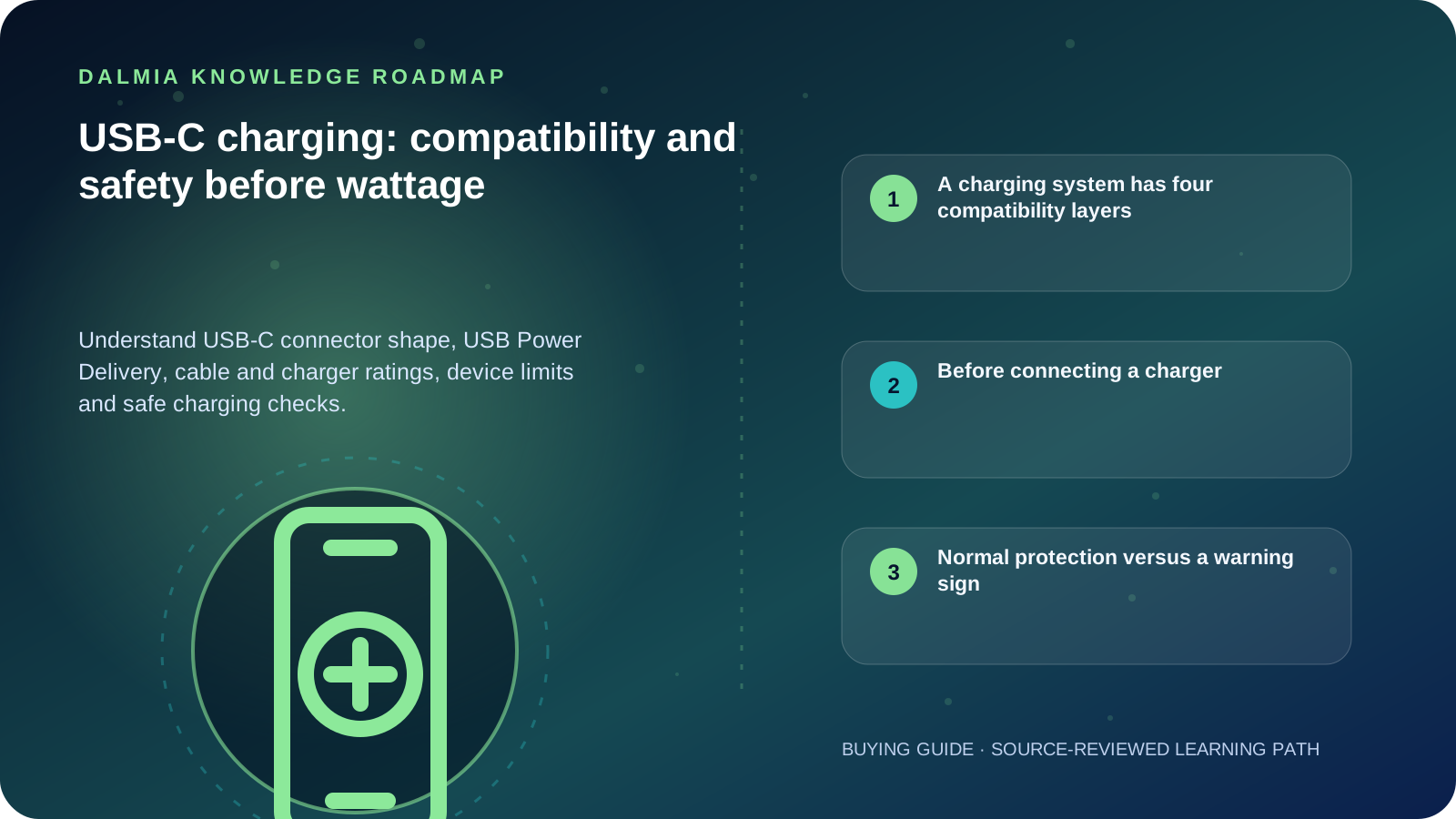
Visual roadmap for USB-C charging: compatibility and safety before wattage
Article roadmap covering A charging system has four compatibility layers, Before connecting a charger, Normal protection versus a warning sign.
Quick answer

USB-C describes a connector, not one guaranteed charging speed or data capability. Fast charging requires compatible device, charger, cable and protocol support. Use undamaged, correctly rated equipment, keep connectors dry and ventilated, and stop if there is swelling, burning smell, sparking or abnormal heat.

A charging system has four compatibility layers

USB-IF explicitly distinguishes USB Type-C from USB Power Delivery, USB4 and USB 3.2. A product may use the USB-C connector without supporting each of those capabilities. Read the exact device, charger and cable specifications rather than inferring capability from shape.

  • Connector: USB-C describes the reversible physical interface.
  • Protocol: USB Power Delivery or another supported method negotiates available power.
  • Cable: connectors, current rating and electronic marking where required affect capability.
  • Device: the phone, tablet or laptop accepts only modes it supports and may reduce power for temperature or battery protection.

Before connecting a charger

  1. Confirm the device's supported charging protocol and input range in its official documentation.
  2. Check the charger's stated output modes and required regional safety information.
  3. Use a cable rated for the intended power and data role; replace frayed, bent, loose or heat-damaged cables.
  4. Inspect the port for moisture or visible damage without inserting metal tools.
  5. Charge on a firm, ventilated surface away from direct sun, bedding and flammable material.
  6. Monitor a new combination during initial use and disconnect it if behaviour is abnormal.

Normal protection versus a warning sign

A device may intentionally slow or pause charging when it is hot, cold, near a configured charge limit or protecting long-term battery health. Follow the exact model's support guidance before assuming a fault.

Stop charging for swelling, smoke, liquid, crackling, sparks, a burning smell, repeated connector overheating or known physical damage. Move away from the hazard without touching a dangerously hot device and obtain emergency or qualified technical guidance appropriate to the situation.

Sources and further reading

Technical statements were reviewed against these references. External pages may change after our review date.

  1. USB Type-C Cable and Connector Language Guidelines — USB Implementers Forum
  2. Safety and regulatory guide for Pixel phones — Google Pixel Help
  3. If your iPhone or iPod touch won't charge — Apple Support
Editorial standard

Educational content is separated from current stock, price, warranty and authorization claims. Corrections can be reported through the Dalmia contact desk.

Royal Violet Orbit Gallery · 5G Smartphones & Handsets

Technical Reference & Workload Showcase

Explore 5G Smartphones & Handsets →
Clean-UI Business Smartphone #003 UFS 3.1 / 4.0 App Launch Speed
Executive Dual-SIM Fold/Pro #010 Smart Fast-Charge Thermal Guard
Student Value 5G Handset #017 120Hz LTPO Adaptive Display
Long-Endurance 5500mAh 5G #024 Verified IMEI & Sealed Warranty
Flagship 5G Camera Handset #031 Stereo Dolby Atmos Speakers
Rugged Field-Ready Smartphone #038 Multi-Band True 5G Carrier Sync
Purulia Flagship Cinema · Interactive Chapters

Step Inside Dalmia Computers Purulia

Experience multi-brand laptops, 5G smartphones, custom PC builds, printers, CCTV planning, TallyPrime 7.1 and 7-stage OTP-verified repair care at Bikash Bhawan, Near ICICI Bank, Ranchi Road.

Verified Public Feedback · Google Place ID ChIJs4oLWox99jkRqigm5jEVJiE

Read Real Purulia Customer Feedback Before You Decide

Open the live Trustindex Google Reviews stream right here without slowing down initial page load, or visit our full Reviews & Social Hub.

Write a Review ★ Reviews & Social Hub → Google Maps ↗
Dalmia Smart Showroom Desk · Instant DB Prefill Ready

Send Your Shortlist or Ask for Live Availability

Returning customers enjoy instant smart phone memory. No payment is collected online — our Purulia showroom confirms exact stock and GST pricing.

No online payment is collected. Current stock, exchange inspection and GST pricing are confirmed by our Ranchi Road team.

Join @dalmiacomputers VIP Community & Reviews Unboxings, tech care guides, monthly 13-rank gifts & verified Purulia showroom updates.
CallWhatsApp