
Serving Purulia Since 2009+91 9734290001
Dalmia Computers original logoDalmia ComputersPurulia’s Premium Tech Destination
LoginWhatsApp
Security operations · continuity checklist

Quick Heal update and renewal checklist

Check Quick Heal version support, update status, subscription validity, compatibility and recovery information without exposing product keys.

Beginner to intermediate8 min checklistSource review: 14 Aug 2026
Dalmia Computers Purulia Brand Concierge — Independent Buying Knowledge & B2B Desk
Purulia Concierge Desk · Thoughtful Technical Mentor

Independent Buying Knowledge & B2B Desk

Understand specifications, GST/Tally workflows and compatibility principles clearly before committing to hardware.

Har Page = Smart Salesman · Honest Purulia Guidance

Interactive Need-Finder, Compatibility Check & Overspend Guard

Answer 3 quick skippable questions (zero login or phone gate) to see workload-matched tiers, 4-state compatibility checks, running-cost / EMI / 18% GST calculators, and live showroom demo availability.

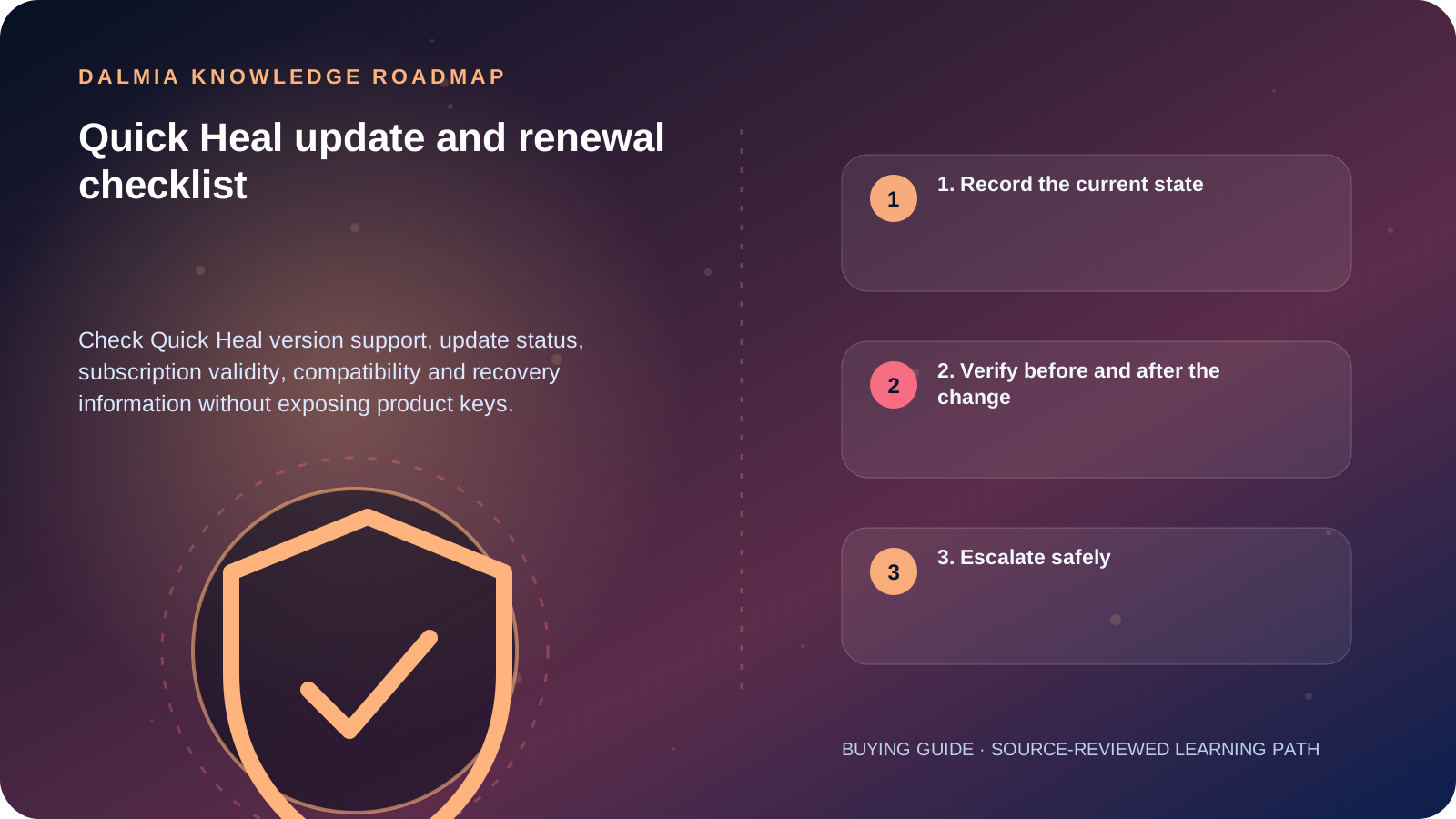
Visual roadmap for Quick Heal update and renewal checklist
Article roadmap covering 1. Record the current state, 2. Verify before and after the change, 3. Escalate safely.
Quick answer

Before renewal or upgrade, record the exact product, version, operating system, subscription validity and protected product-key location. Check the official support lifecycle and manual, install current product and definition updates, confirm protection status after restart, and never send the product key through a public form or unverified message.

1. Record the current state

Quick Heal's official support page describes validity and product information in the product interface, while the lifecycle page lists version-specific support states. These are time-sensitive, so verify them at the time of action.

  • Exact Quick Heal product and edition
  • Installed version and virus-database or update status
  • Operating-system version and architecture
  • Subscription validity and licensed device count
  • Protected recovery location for the product key and purchase record
  • Any active errors, repeated detections or other installed real-time security software

2. Verify before and after the change

  1. Back up important data independently and close active work.
  2. Confirm operating-system compatibility and the official installer or in-product upgrade path.
  3. Resolve conflicting real-time antivirus according to both vendors' current instructions.
  4. Renew or upgrade through a verified channel without pasting the product key into public intake.
  5. Restart if instructed, then verify registration, subscription validity, application update and virus-database status.
  6. Run the appropriate official scan and review protection settings rather than assuming defaults remained unchanged.

3. Escalate safely

Use official Quick Heal support or the verified Dalmia support route for invalid-license, activation, persistent-update or installation failures. Share the minimum diagnostic information needed and redact product keys, passwords, OTPs, personal files and unrelated logs.

If the device shows ransomware, credential theft, widespread crashes or business-data damage, treat it as an incident rather than a routine renewal. Preserve evidence and obtain qualified response guidance.

Sources and further reading

Technical statements were reviewed against these references. External pages may change after our review date.

  1. Quick Heal Customer Support — Quick Heal
  2. Quick Heal Product Support Lifecycle — Quick Heal
  3. Quick Heal product manuals — Quick Heal
Editorial standard

Educational content is separated from current stock, price, warranty and authorization claims. Corrections can be reported through the Dalmia contact desk.

Royal Violet Orbit Gallery · Quick Heal & Endpoint Cybersecurity

Technical Reference & Workload Showcase

Explore Quick Heal & Endpoint Cybersecurity →
Ransomware Shield & Safe Banking #003 Webcam & Microphone Privacy Lock
Multi-PC Office Endpoint Pack #010 Centralized Multi-Seat Renewal
Quick Heal Total Security #017 Zero-Day AI Behavioral Engine
Cloud Backup & Anti-Phishing Suite #024 Genuine Activation Without Bloat
USB Port & External Media Guard #031 Wi-Fi Router & DNSHijack Alert
Parental & Study Web Filter #038 Lightweight Background Scan
Purulia Flagship Cinema · Interactive Chapters

Step Inside Dalmia Computers Purulia

Experience multi-brand laptops, 5G smartphones, custom PC builds, printers, CCTV planning, TallyPrime 7.1 and 7-stage OTP-verified repair care at Bikash Bhawan, Near ICICI Bank, Ranchi Road.

Verified Public Feedback · Google Place ID ChIJs4oLWox99jkRqigm5jEVJiE

Read Real Purulia Customer Feedback Before You Decide

Open the live Trustindex Google Reviews stream right here without slowing down initial page load, or visit our full Reviews & Social Hub.

Write a Review ★ Reviews & Social Hub → Google Maps ↗
Dalmia Smart Showroom Desk · Instant DB Prefill Ready

Send Your Shortlist or Ask for Live Availability

Returning customers enjoy instant smart phone memory. No payment is collected online — our Purulia showroom confirms exact stock and GST pricing.

No online payment is collected. Current stock, exchange inspection and GST pricing are confirmed by our Ranchi Road team.

Join @dalmiacomputers VIP Community & Reviews Unboxings, tech care guides, monthly 13-rank gifts & verified Purulia showroom updates.
CallWhatsApp