
Serving Purulia Since 2009+91 9734290001
Dalmia Computers original logoDalmia ComputersPurulia’s Premium Tech Destination
LoginWhatsApp
Cybersecurity · telephony operations

Secure the voice system as both a network and a business process

Protect PBX administration, SIP accounts, network paths, endpoints, logs and recovery without exposing credentials or assuming encryption.

Intermediate9 min checklistSource review: 14 Aug 2026
Dalmia Computers Purulia Brand Concierge — Independent Buying Knowledge & B2B Desk
Purulia Concierge Desk · Thoughtful Technical Mentor

Independent Buying Knowledge & B2B Desk

Understand specifications, GST/Tally workflows and compatibility principles clearly before committing to hardware.

Har Page = Smart Salesman · Honest Purulia Guidance

Interactive Need-Finder, Compatibility Check & Overspend Guard

Answer 3 quick skippable questions (zero login or phone gate) to see workload-matched tiers, 4-state compatibility checks, running-cost / EMI / 18% GST calculators, and live showroom demo availability.

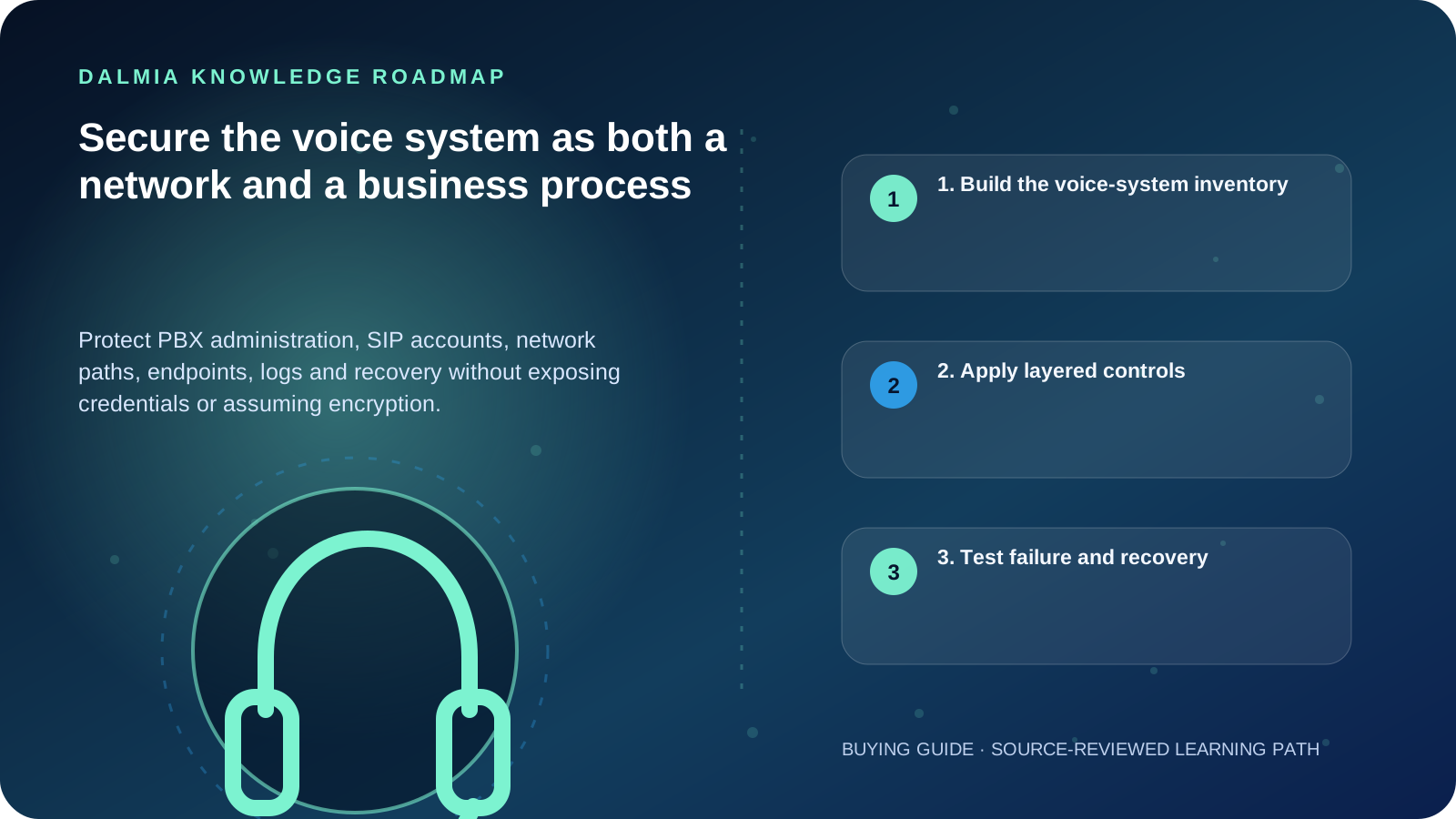
Visual roadmap for Secure the voice system as both a network and a business process
Article roadmap covering 1. Build the voice-system inventory, 2. Apply layered controls, 3. Test failure and recovery.
Quick answer

Inventory every PBX, gateway, trunk, handset, softphone, switch and remote-management path. Restrict administration, replace default credentials, update supported systems, segment where appropriate, protect signaling and media using provider-supported controls, monitor unusual calling and keep a tested configuration and continuity plan. Never post SIP credentials or PBX backups in a public support form.

1. Build the voice-system inventory

  • PBX/EPBX model or hosted service, software version and support status
  • Trunks, lines, numbers, gateways and provider escalation contacts
  • Handsets, softphones, conference devices and remote users
  • Voice VLAN, switches, PoE, router, firewall, DNS/NTP and internet dependencies
  • Administrative accounts, provisioning methods, backups, logs and call-detail records
  • Power, failover and manual continuity paths

2. Apply layered controls

  1. Remove or disable default, unused and former-user accounts; use unique strong credentials and MFA where supported.
  2. Limit administration to trusted paths and roles; do not expose a management console broadly to the internet.
  3. Keep PBX, gateways, handsets and provisioning services on supported releases and verified update channels.
  4. Use network segmentation, firewall policy and provider-supported signaling/media protection where the design permits.
  5. Restrict destinations, time windows, international or premium calling according to business need and monitor anomalies.
  6. Protect configuration backups, voicemail, call records and logs as sensitive business data.

3. Test failure and recovery

Test how reception, critical extensions and external calling behave during internet, power, provider and PBX failures. Keep a documented configuration backup and verify that it can be restored to an appropriate supported environment.

NIST's VoIP guidance is a foundational security reference but is not a current product configuration manual. Apply its architectural risk perspective together with current vendor, provider and standards documentation.

Sources and further reading

Technical statements were reviewed against these references. External pages may change after our review date.

  1. NIST SP 800-58: Security Considerations for Voice Over IP Systems — National Institute of Standards and Technology
  2. RFC 3261: SIP — Session Initiation Protocol — RFC Editor
Editorial standard

Educational content is separated from current stock, price, warranty and authorization claims. Corrections can be reported through the Dalmia contact desk.

Royal Violet Orbit Gallery · Quick Heal & Endpoint Cybersecurity

Technical Reference & Workload Showcase

Explore Quick Heal & Endpoint Cybersecurity →
Server & Tally Data Protection #012 Zero-Day AI Behavioral Engine
Ransomware Shield & Safe Banking #019 Real-Time Ransomware Rollback
Multi-PC Office Endpoint Pack #026 Webcam & Microphone Privacy Lock
Quick Heal Total Security #033 Centralized Multi-Seat Renewal
Cloud Backup & Anti-Phishing Suite #040 Safe Pe & Online Banking Sandbox
USB Port & External Media Guard #047 Genuine Activation Without Bloat
Purulia Flagship Cinema · Interactive Chapters

Step Inside Dalmia Computers Purulia

Experience multi-brand laptops, 5G smartphones, custom PC builds, printers, CCTV planning, TallyPrime 7.1 and 7-stage OTP-verified repair care at Bikash Bhawan, Near ICICI Bank, Ranchi Road.

Verified Public Feedback · Google Place ID ChIJs4oLWox99jkRqigm5jEVJiE

Read Real Purulia Customer Feedback Before You Decide

Open the live Trustindex Google Reviews stream right here without slowing down initial page load, or visit our full Reviews & Social Hub.

Write a Review ★ Reviews & Social Hub → Google Maps ↗
Dalmia Smart Showroom Desk · Instant DB Prefill Ready

Send Your Shortlist or Ask for Live Availability

Returning customers enjoy instant smart phone memory. No payment is collected online — our Purulia showroom confirms exact stock and GST pricing.

No online payment is collected. Current stock, exchange inspection and GST pricing are confirmed by our Ranchi Road team.

Join @dalmiacomputers VIP Community & Reviews Unboxings, tech care guides, monthly 13-rank gifts & verified Purulia showroom updates.
CallWhatsApp