
Serving Purulia Since 2009+91 9734290001
Dalmia Computers original logoDalmia ComputersPurulia’s Premium Tech Destination
LoginWhatsApp
Interactive tool · networking mathematics · planning only

Network speed and transfer-time calculator

Convert Mb/s or Gb/s to theoretical MB/s and estimate file-transfer time with explicit decimal or binary file units and a visible throughput factor.

Beginner to intermediate5 min toolSource review: 14 Aug 2026
Dalmia Computers Purulia Brand Concierge — Independent Buying Knowledge & B2B Desk
Purulia Concierge Desk · Thoughtful Technical Mentor

Independent Buying Knowledge & B2B Desk

Understand specifications, GST/Tally workflows and compatibility principles clearly before committing to hardware.

Har Page = Smart Salesman · Honest Purulia Guidance

Interactive Need-Finder, Compatibility Check & Overspend Guard

Answer 3 quick skippable questions (zero login or phone gate) to see workload-matched tiers, 4-state compatibility checks, running-cost / EMI / 18% GST calculators, and live showroom demo availability.

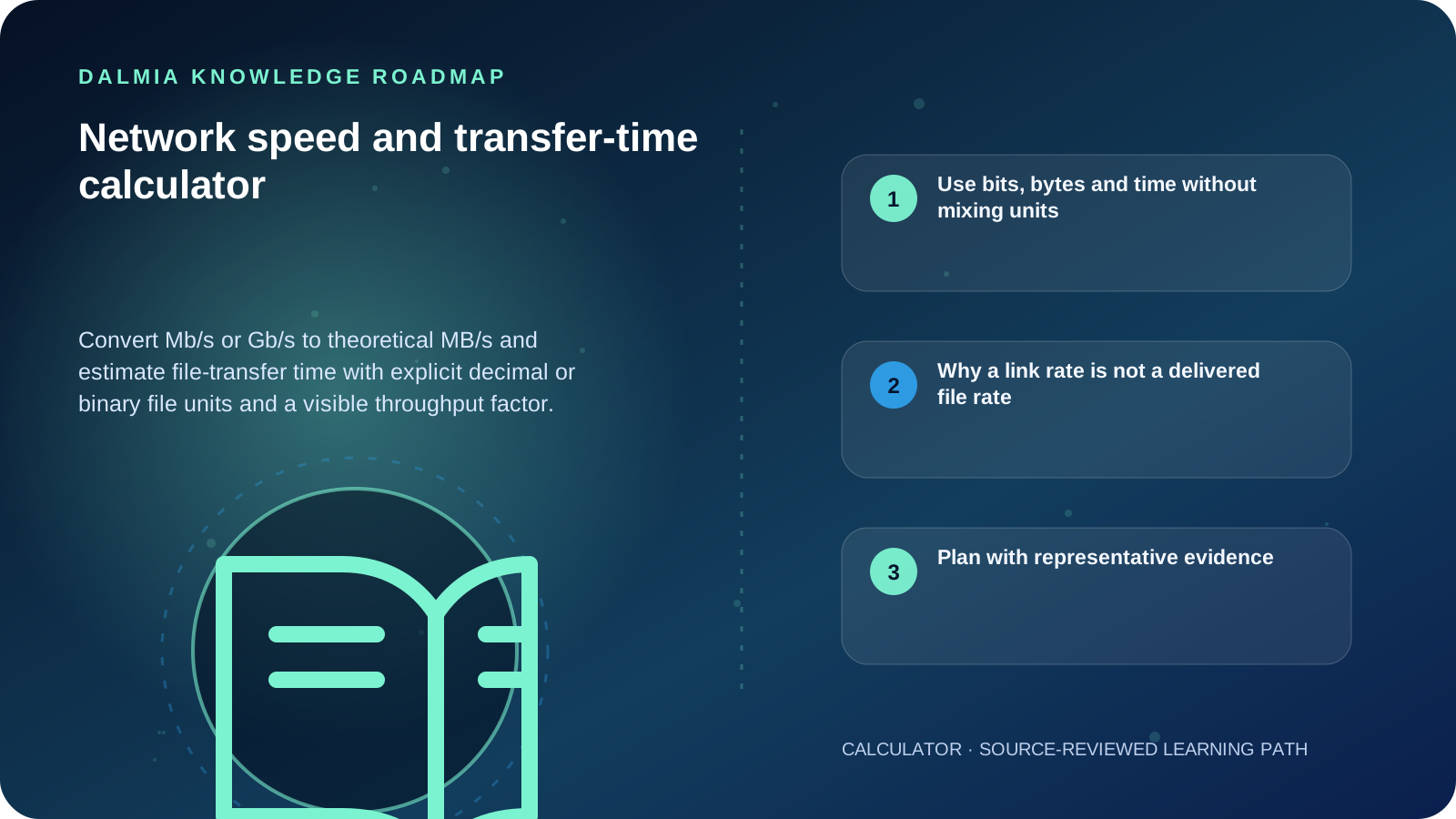
Visual roadmap for Network speed and transfer-time calculator
Article roadmap covering Use bits, bytes and time without mixing units, Why a link rate is not a delivered file rate, Plan with representative evidence.
Quick answer

Network rates are normally written in bits per second, while file sizes are written in bytes. Eight bits equal one byte, so 100 Mb/s is a theoretical 12.5 MB/s before protocol, radio, storage, server and congestion effects. Enter a file size, rate and measured or planning throughput percentage to see both the ideal and adjusted transfer time.

Interactive network tool

Convert network rate and estimate transfer time

Use a decimal network rate and choose the file-size unit explicitly. The throughput percentage makes real-world planning assumptions visible.

Use bits, bytes and time without mixing units

Network transfer formulas used by this calculator
ResultFormulaBoundary
Theoretical MB/sdecimal bits per second ÷ 8 ÷ 1,000,000No protocol or device overhead
Ideal secondsfile bytes × 8 ÷ bits per secondAssumes the stated rate is sustained
Adjusted secondsideal seconds ÷ throughput fractionUses your planning or measured percentage
Binary file sizeGiB × 1,073,741,824 bytesGiB is not the same quantity as GB

Why a link rate is not a delivered file rate

A router, Wi-Fi standard or broadband plan can describe a link or access rate without guaranteeing one file transfer at that rate. Protocol headers, retransmissions, shared radio time, signal quality, server capacity, storage speed, encryption, application behavior and other traffic can reduce useful throughput.

For planning, use a percentage based on a representative measured transfer when possible. One speed-test result does not prove sustained performance to every destination, and this calculator does not diagnose latency, jitter or packet loss.

Plan with representative evidence

  1. Confirm whether the source rate is a link rate, an internet-plan rate or measured application throughput.
  2. Use the actual file-size unit: decimal GB or binary GiB.
  3. Repeat a representative transfer at the time and location that matter.
  4. Record wired or wireless path, device, server, signal and competing traffic.
  5. Treat large differences as a diagnostic starting point, not proof that one component is faulty.

Sources and further reading

Technical statements were reviewed against these references. External pages may change after our review date.

  1. Definitions of the SI units: The binary prefixes — National Institute of Standards and Technology
  2. The International System of Units: SI prefixes — Bureau International des Poids et Mesures
Editorial standard

Educational content is separated from current stock, price, warranty and authorization claims. Corrections can be reported through the Dalmia contact desk.

Royal Violet Orbit Gallery · Wi-Fi Mesh, Gigabit LAN & IP Telecom

Technical Reference & Workload Showcase

Explore Wi-Fi Mesh, Gigabit LAN & IP Telecom →
Dual/Tri-Band Wi-Fi 6 Mesh #017 VLAN Guest & Billing Isolation
4G/5G SIM Failover Office Router #024 Rack Dressing & Labelled Patch Ports
Cat6 Pure-Copper Patch Architecture #031 SIP Trunk & Extension Desk Phones
Outdoor Point-to-Point Wireless Bridge #038 Pure-Copper Fluke-Clean Termination
Dual-WAN Load-Balance Failover #045 802.3af/at PoE Budget for IP Cameras
EPABX & IP-PBX Intercom System #052 Rack Dressing & Labelled Patch Ports
Purulia Flagship Cinema · Interactive Chapters

Step Inside Dalmia Computers Purulia

Experience multi-brand laptops, 5G smartphones, custom PC builds, printers, CCTV planning, TallyPrime 7.1 and 7-stage OTP-verified repair care at Bikash Bhawan, Near ICICI Bank, Ranchi Road.

Verified Public Feedback · Google Place ID ChIJs4oLWox99jkRqigm5jEVJiE

Read Real Purulia Customer Feedback Before You Decide

Open the live Trustindex Google Reviews stream right here without slowing down initial page load, or visit our full Reviews & Social Hub.

Write a Review ★ Reviews & Social Hub → Google Maps ↗
Dalmia Smart Showroom Desk · Instant DB Prefill Ready

Send Your Shortlist or Ask for Live Availability

Returning customers enjoy instant smart phone memory. No payment is collected online — our Purulia showroom confirms exact stock and GST pricing.

No online payment is collected. Current stock, exchange inspection and GST pricing are confirmed by our Ranchi Road team.

Join @dalmiacomputers VIP Community & Reviews Unboxings, tech care guides, monthly 13-rank gifts & verified Purulia showroom updates.
CallWhatsApp