
Serving Purulia Since 2009+91 9734290001
Dalmia Computers original logoDalmia ComputersPurulia’s Premium Tech Destination
LoginWhatsApp
Troubleshooting · wireless networking

Wi-Fi disconnecting? Isolate the failing layer first

Use a safe evidence-first checklist to separate one-device Wi-Fi drops from coverage, router, internet-provider, driver, update or security problems.

Beginner to intermediate9 min checklistSource review: 14 Aug 2026
Dalmia Computers Purulia Brand Concierge — Independent Buying Knowledge & B2B Desk
Purulia Concierge Desk · Thoughtful Technical Mentor

Independent Buying Knowledge & B2B Desk

Understand specifications, GST/Tally workflows and compatibility principles clearly before committing to hardware.

Har Page = Smart Salesman · Honest Purulia Guidance

Interactive Need-Finder, Compatibility Check & Overspend Guard

Answer 3 quick skippable questions (zero login or phone gate) to see workload-matched tiers, 4-state compatibility checks, running-cost / EMI / 18% GST calculators, and live showroom demo availability.

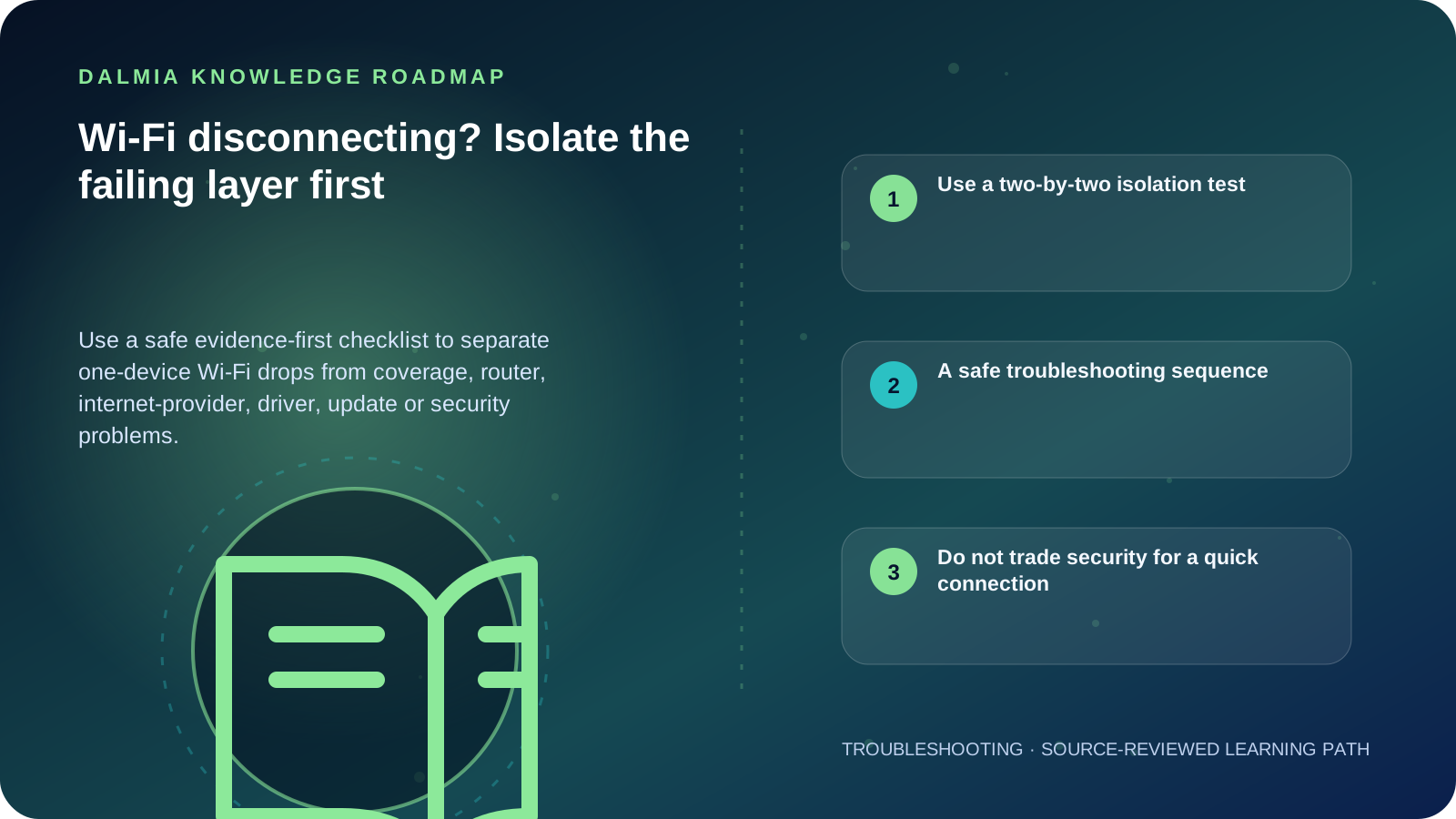
Visual roadmap for Wi-Fi disconnecting? Isolate the failing layer first
Article roadmap covering Use a two-by-two isolation test, A safe troubleshooting sequence, Do not trade security for a quick connection.
Quick answer

Test the same Wi-Fi on another device and the affected device on another trusted network. If one device fails everywhere, investigate that device; if every device fails in one place, investigate the access point, router, power or provider path. Record times, location, signal and status lights before restarting equipment. Avoid a factory reset until configuration, credentials and provider requirements are backed up.

Use a two-by-two isolation test

What comparison results suggest
ObservationLikely layer to investigateNext evidence
One device fails on multiple trusted networksDevice adapter, software, power setting or hardwareUpdate history, adapter status and manufacturer driver
Multiple devices fail on one networkRouter/access point, power, uplink or ISPStatus lights, wired test, outage status and logs
Failure only in one roomCoverage, obstruction, interference or band choiceDistance, walls, 2.4/5 GHz behavior and access-point placement
Wi-Fi stays connected but internet stopsRouter uplink, DNS, provider or application pathGateway reachability, another site/app and another device
Drops began after a changeUpdate, new device, channel, cable or configurationExact timestamp and reversible change record

A safe troubleshooting sequence

  1. Record the network name, device, room, time, frequency and whether other devices fail.
  2. Check Wi-Fi and airplane-mode status, then reconnect only to the known network.
  3. Test the same network on another device and the affected device on another trusted network.
  4. Save work before restarting the affected device; coordinate a router restart because it disconnects every user.
  5. Install supported operating-system, device-manufacturer and router updates from verified channels.
  6. On Windows, use the documented network troubleshooter and preserve required VPN or custom-network settings before any network reset.
  7. Escalate with timestamps, locations, affected devices, status lights and test results instead of repeatedly factory-resetting equipment.

Do not trade security for a quick connection

Do not disable encryption, expose router administration, reuse a weak password or install an unknown driver to make troubleshooting easier. CISA recommends changing default identifiers and passwords, using supported encryption, keeping firmware current and restricting administration.

A factory reset can erase provider, VLAN, Wi-Fi, firewall, reservation, camera and telephone settings. Export or document the configuration securely and confirm the recovery path before any destructive reset.

Sources and further reading

Technical statements were reviewed against these references. External pages may change after our review date.

  1. Fix Wi-Fi connection issues in Windows — Microsoft Support
  2. Using Wireless Technology Securely — Cybersecurity and Infrastructure Security Agency
  3. Securing Small-Business and Home IoT Devices — National Institute of Standards and Technology
Editorial standard

Educational content is separated from current stock, price, warranty and authorization claims. Corrections can be reported through the Dalmia contact desk.

Royal Violet Orbit Gallery · Wi-Fi Mesh, Gigabit LAN & IP Telecom

Technical Reference & Workload Showcase

Explore Wi-Fi Mesh, Gigabit LAN & IP Telecom →
Cat6 Pure-Copper Patch Architecture #007 VLAN Guest & Billing Isolation
Outdoor Point-to-Point Wireless Bridge #014 Seamless Roaming Across Concrete Walls
Dual-WAN Load-Balance Failover #021 WPA3 + Router Firmware Hardening
EPABX & IP-PBX Intercom System #028 Zero-Drop Tally LAN Socket Stability
Multi-Floor Office Structured LAN #035 VLAN Guest & Billing Isolation
Gigabit PoE+ Managed Rack Switch #042 Seamless Roaming Across Concrete Walls
Purulia Flagship Cinema · Interactive Chapters

Step Inside Dalmia Computers Purulia

Experience multi-brand laptops, 5G smartphones, custom PC builds, printers, CCTV planning, TallyPrime 7.1 and 7-stage OTP-verified repair care at Bikash Bhawan, Near ICICI Bank, Ranchi Road.

Verified Public Feedback · Google Place ID ChIJs4oLWox99jkRqigm5jEVJiE

Read Real Purulia Customer Feedback Before You Decide

Open the live Trustindex Google Reviews stream right here without slowing down initial page load, or visit our full Reviews & Social Hub.

Write a Review ★ Reviews & Social Hub → Google Maps ↗
Dalmia Smart Showroom Desk · Instant DB Prefill Ready

Send Your Shortlist or Ask for Live Availability

Returning customers enjoy instant smart phone memory. No payment is collected online — our Purulia showroom confirms exact stock and GST pricing.

No online payment is collected. Current stock, exchange inspection and GST pricing are confirmed by our Ranchi Road team.

Join @dalmiacomputers VIP Community & Reviews Unboxings, tech care guides, monthly 13-rank gifts & verified Purulia showroom updates.
CallWhatsApp