
Serving Purulia Since 2009+91 9734290001
Dalmia Computers original logoDalmia ComputersPurulia’s Premium Tech Destination
LoginWhatsApp
Business continuity · release-aware guide

TallyPrime backup and restore: protect recovery before you need it

Plan TallyPrime local or supported cloud backups, monitor results and test restoration without overwriting active company data.

Intermediate10 min guideSource review: 14 Aug 2026
Dalmia Computers Purulia Brand Concierge — Independent Buying Knowledge & B2B Desk
Purulia Concierge Desk · Thoughtful Technical Mentor

Independent Buying Knowledge & B2B Desk

Understand specifications, GST/Tally workflows and compatibility principles clearly before committing to hardware.

Har Page = Smart Salesman · Honest Purulia Guidance

Interactive Need-Finder, Compatibility Check & Overspend Guard

Answer 3 quick skippable questions (zero login or phone gate) to see workload-matched tiers, 4-state compatibility checks, running-cost / EMI / 18% GST calculators, and live showroom demo availability.

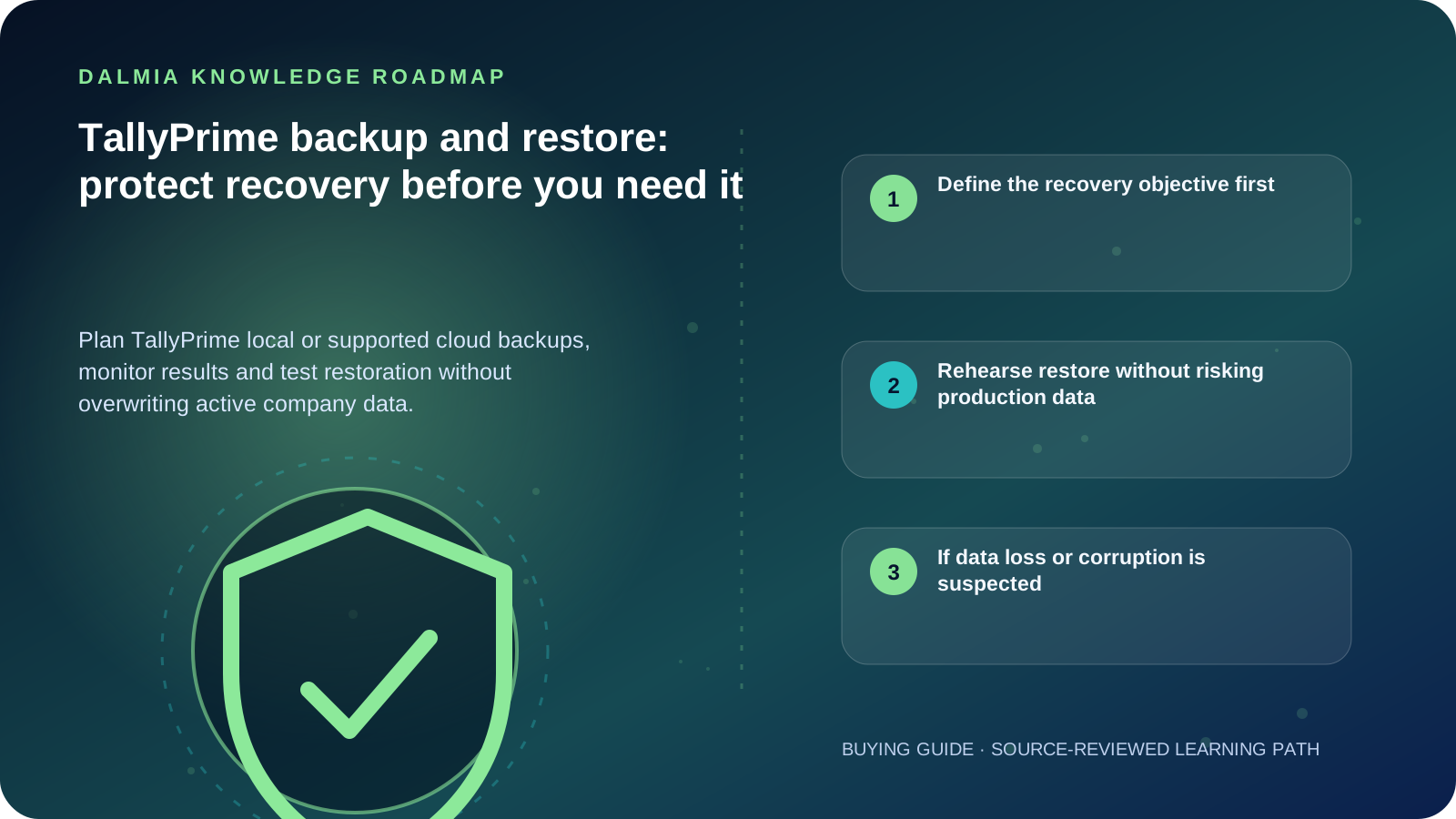
Visual roadmap for TallyPrime backup and restore: protect recovery before you need it
Article roadmap covering Define the recovery objective first, Rehearse restore without risking production data, If data loss or corruption is suspected.
Quick answer

A backup is useful only when it is recent, protected, monitored and restorable. Keep more than one recovery path, separate at least one copy from the working computer, review failed schedules and rehearse restoration to an empty protected location. The exact TallyPrime menus and options depend on the installed release.

Define the recovery objective first

List the companies covered, acceptable data loss, required recovery time, responsible person and backup destinations. A copy on the same failing drive is not an independent recovery path.

TallyPrime Release 7.0 documentation describes local-drive and TallyDrive backup and scheduling, while earlier releases use different workflows. Use the official page that matches the installed release and current entitlement.

  • Frequency: based on the amount of work the business can safely re-enter
  • Destinations: separate local or supported cloud locations with controlled access
  • Retention: enough versions to recover before unnoticed corruption or error
  • Monitoring: failed, missed or incomplete jobs must create an operational response
  • Ownership: one named role performs the work and another can verify recovery

Rehearse restore without risking production data

  1. Confirm the backup date, company identity, release compatibility and protected password or recovery-key access.
  2. Choose a new empty destination for a rehearsal; avoid Replace or overwrite while uncertain.
  3. Restore the selected version using the official release-specific workflow.
  4. Open the restored copy in an isolated, authorized context and validate reports, periods, users and representative vouchers.
  5. Record the result, duration, gaps and next review date, then protect or securely remove the rehearsal copy according to policy.

If data loss or corruption is suspected

Stop uncontrolled writes, repeated repair attempts and blind replacement. Preserve the original data folder, relevant logs, recent backups and a timeline of what changed. Obtain qualified TallyPrime and storage guidance before transforming the only remaining copy.

Do not share TallyVault passwords, administrator passwords, product keys, recovery keys or company data through public intake forms. Use a verified protected support channel.

Sources and further reading

Technical statements were reviewed against these references. External pages may change after our review date.

  1. Backup and Restore Company Data in TallyPrime — TallyHelp
  2. Data Security FAQ — TallyHelp
Editorial standard

Educational content is separated from current stock, price, warranty and authorization claims. Corrections can be reported through the Dalmia contact desk.

Royal Violet Orbit Gallery · TallyPrime 7.1, GST & Business Software

Technical Reference & Workload Showcase

Explore TallyPrime 7.1, GST & Business Software →
E-Invoice & E-Way Bill Automation #021 HSN Summary & Batch/Godown Matrix
TallyPrime 7.1 Upgrade Lab #028 Role-Based User Security Controls
TSS Annual Renewal & Connected GST #035 Zero-Data-Loss Migration Check
TallyPrime Gold Multi-User LAN #042 Direct GSTR-1 / 2B / 3B Workflow
TallyPrime Silver Single-User #049 HSN Summary & Batch/Godown Matrix
CA Audit & GSTR Reconciliation #056 Multi-Counter LAN Lock Stability
Purulia Flagship Cinema · Interactive Chapters

Step Inside Dalmia Computers Purulia

Experience multi-brand laptops, 5G smartphones, custom PC builds, printers, CCTV planning, TallyPrime 7.1 and 7-stage OTP-verified repair care at Bikash Bhawan, Near ICICI Bank, Ranchi Road.

Verified Public Feedback · Google Place ID ChIJs4oLWox99jkRqigm5jEVJiE

Read Real Purulia Customer Feedback Before You Decide

Open the live Trustindex Google Reviews stream right here without slowing down initial page load, or visit our full Reviews & Social Hub.

Write a Review ★ Reviews & Social Hub → Google Maps ↗
Dalmia Smart Showroom Desk · Instant DB Prefill Ready

Send Your Shortlist or Ask for Live Availability

Returning customers enjoy instant smart phone memory. No payment is collected online — our Purulia showroom confirms exact stock and GST pricing.

No online payment is collected. Current stock, exchange inspection and GST pricing are confirmed by our Ranchi Road team.

Join @dalmiacomputers VIP Community & Reviews Unboxings, tech care guides, monthly 13-rank gifts & verified Purulia showroom updates.
CallWhatsApp